
Cybersecurity teams face thousands of security events every day. When a genuine threat appears, manually investigating every alert and deciding what action to take can slow down the response process. Attackers can use this delay to move across networks, compromise additional accounts, or access sensitive information.
Automated Incident Response helps organizations respond to security incidents faster by using predefined workflows, security rules, automation, and response playbooks to perform specific actions with minimal manual intervention.
Instead of requiring analysts to handle every repetitive task themselves, automated incident response can investigate alerts, enrich security data, contain threats, and initiate remediation actions according to established security policies.
What Is Automated Incident Response?
Automated Incident Response is the use of cybersecurity technologies and predefined workflows to automatically perform actions after a potential security incident is detected.
The process typically connects threat detection with response actions. When a security platform identifies suspicious activity, an automated workflow can determine the appropriate action based on the severity, type of threat, affected asset, and organizational security policy.
For example, if an endpoint is detected communicating with a known malicious IP address, an automated workflow could collect additional information, notify the security team, and isolate the endpoint while the incident is investigated.
The goal is not to remove human analysts from the process. Instead, automation handles repetitive and time-sensitive tasks so security professionals can focus on complex investigations and decisions.
How Does Automated Incident Response Work?
Automated response generally follows a sequence of connected steps.
1. Threat Detection
The process starts when suspicious activity is identified by security technologies such as SIEM, EDR, network monitoring tools, cloud security platforms, or threat intelligence systems.
These technologies can detect unusual authentication activity, malware behavior, suspicious network connections, privilege escalation, ransomware indicators, and other potential threats.
Organizations can strengthen this detection layer by combining it with Managed SIEM Services, where security events are continuously monitored and analyzed by cybersecurity specialists.
2. Alert Triage
Not every security alert requires the same response. The automation system evaluates information such as alert severity, affected device, user account, threat intelligence, and previous activity.
This helps determine whether the event requires immediate containment, additional investigation, or simple monitoring.
Automated triage can significantly reduce the amount of repetitive work performed by security analysts.
3. Investigation and Enrichment
Once an alert is identified as potentially important, automated workflows can collect additional information from connected security systems.
For example, a response workflow may retrieve:
- Endpoint activity
- User information
- IP reputation
- Domain information
- File hashes
- Authentication history
- Network connections
- Previous security alerts
- Threat intelligence indicators
This additional context helps determine what happened and whether the alert represents a genuine security incident.
4. Automated Containment
If the threat meets predefined criteria, automated containment actions can be initiated.
Depending on the organization’s policies, these actions may include isolating an endpoint, blocking a malicious IP address, disabling a compromised account, quarantining a suspicious file, or stopping a malicious process.
Fast containment can prevent an attacker from continuing to access systems while analysts investigate the incident.
5. Remediation and Recovery
After containment, automated workflows can perform approved remediation tasks. These may include removing malicious files, reversing certain unauthorized changes, resetting credentials, or restoring affected security configurations.
More complex remediation generally requires human approval to avoid disrupting legitimate business operations.
Technologies Behind Automated Incident Response
Several cybersecurity technologies can work together to support automated response.
SIEM
Security Information and Event Management (SIEM) platforms collect and correlate security events from different systems. SIEM can serve as an important source of alerts and security context for automated workflows.
SOAR
Security Orchestration, Automation and Response (SOAR) platforms are specifically designed to connect security tools and automate incident response workflows.
SOAR can use predefined playbooks to determine what actions should occur when specific types of incidents are detected.
EDR
Endpoint Detection and Response (EDR) provides detailed information about endpoint activity. It can also support response actions such as endpoint isolation, process termination, and file quarantine.
Threat Intelligence
Threat intelligence provides additional context about suspicious indicators. Automated workflows can check IP addresses, domains, URLs, file hashes, and other indicators against trusted intelligence sources before deciding what response action should be taken.
Common Automated Incident Response Use Cases
Automation can be applied to many repetitive security scenarios.
Malware Detection
When malware is identified on an endpoint, an automated workflow can quarantine the file, isolate the device, collect relevant evidence, and notify the security team.
Compromised Accounts
If suspicious login behavior suggests that an account may have been compromised, automated response can temporarily disable the account, require credential resets, and notify security analysts.
Phishing Attacks
Automated workflows can analyze reported phishing emails, extract URLs and attachments, check them against threat intelligence, and remove confirmed malicious messages from affected mailboxes.
Suspicious Network Activity
When a malicious connection is identified, automated response can block the associated IP address or domain and investigate other systems that communicated with the same indicator.
Ransomware Activity
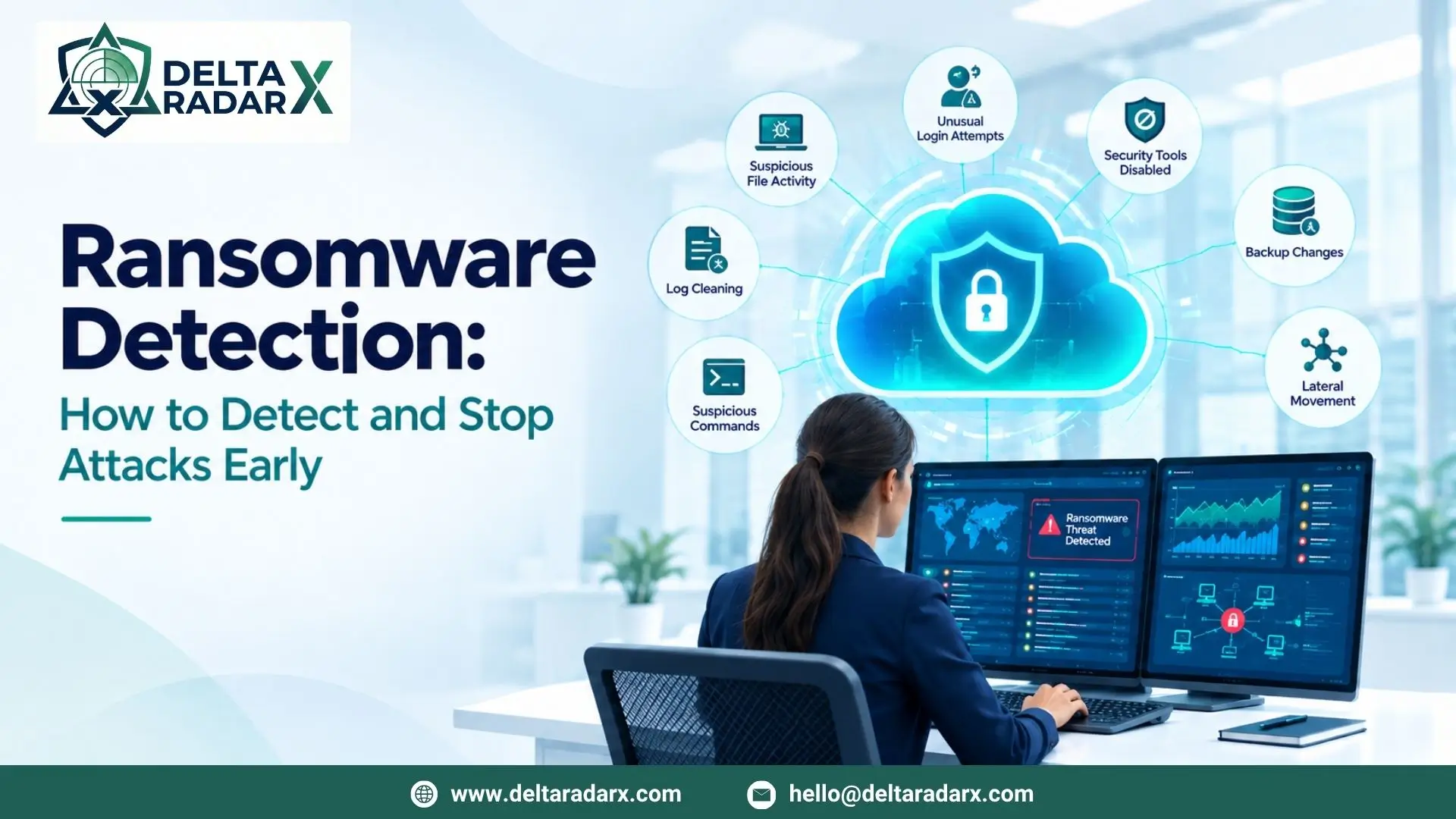
If endpoint monitoring identifies behavior associated with ransomware, automated containment can isolate the affected device and prevent further network communication while analysts investigate.
Benefits of Automated Incident Response
Faster Response Times
Automation can execute predefined actions within seconds. This is particularly important when threats are actively spreading across an environment.
Reduced Analyst Workload
Security analysts often spend significant time performing repetitive tasks such as gathering information, checking indicators, and manually updating security tools.
Automating these tasks allows analysts to spend more time on complex investigations.
Consistent Response
Human analysts may respond differently depending on workload, experience, or available information. Automated playbooks provide standardized response procedures for predefined incident types.
Better Threat Containment
Rapid actions such as endpoint isolation or malicious indicator blocking can limit the potential impact of an attack.
Improved Security Operations
When detection, investigation, and response are connected through automation, security teams can manage incidents more efficiently and create more consistent workflows.
Automated Incident Response and Alert Management
Security automation is most effective when organizations have high-quality alerts. If a monitoring environment generates excessive false positives, automating every alert can create unnecessary actions and potentially disrupt legitimate business activity.
Organizations should therefore tune their detection rules and continuously evaluate alert quality. Techniques used to Reduce false positives in SIEM can help ensure that automation is triggered primarily by meaningful security events.
Automation should be based on confidence, severity, and clearly defined response policies rather than simply reacting to every security notification.
Automated Response vs. Manual Incident Response
Manual incident response gives analysts complete control over every step, which can be useful for complex or uncertain incidents. However, it can also take considerably more time when analysts need to perform repetitive tasks.
Automated response is faster for predictable incidents but should be carefully configured to avoid incorrect actions.
The strongest security operations typically combine both approaches. Automation handles repetitive, well-understood tasks while human analysts manage complex investigations, high-impact decisions, and unusual incidents.
How to Implement Automated Incident Response
Organizations should begin by identifying repetitive security tasks that can be safely automated.
A practical implementation can include:
- Identify common incident types.
- Define severity levels and response requirements.
- Create response playbooks.
- Connect SIEM, EDR, SOAR, and threat intelligence systems.
- Start with low-risk automated actions.
- Test workflows in controlled environments.
- Monitor automation results.
- Continuously update response rules.
Organizations should also establish approval requirements for high-impact actions. For example, automatically collecting evidence may require no approval, while disabling a critical production account may require confirmation from a security analyst.
Automated Incident Response at DeltaRadarX
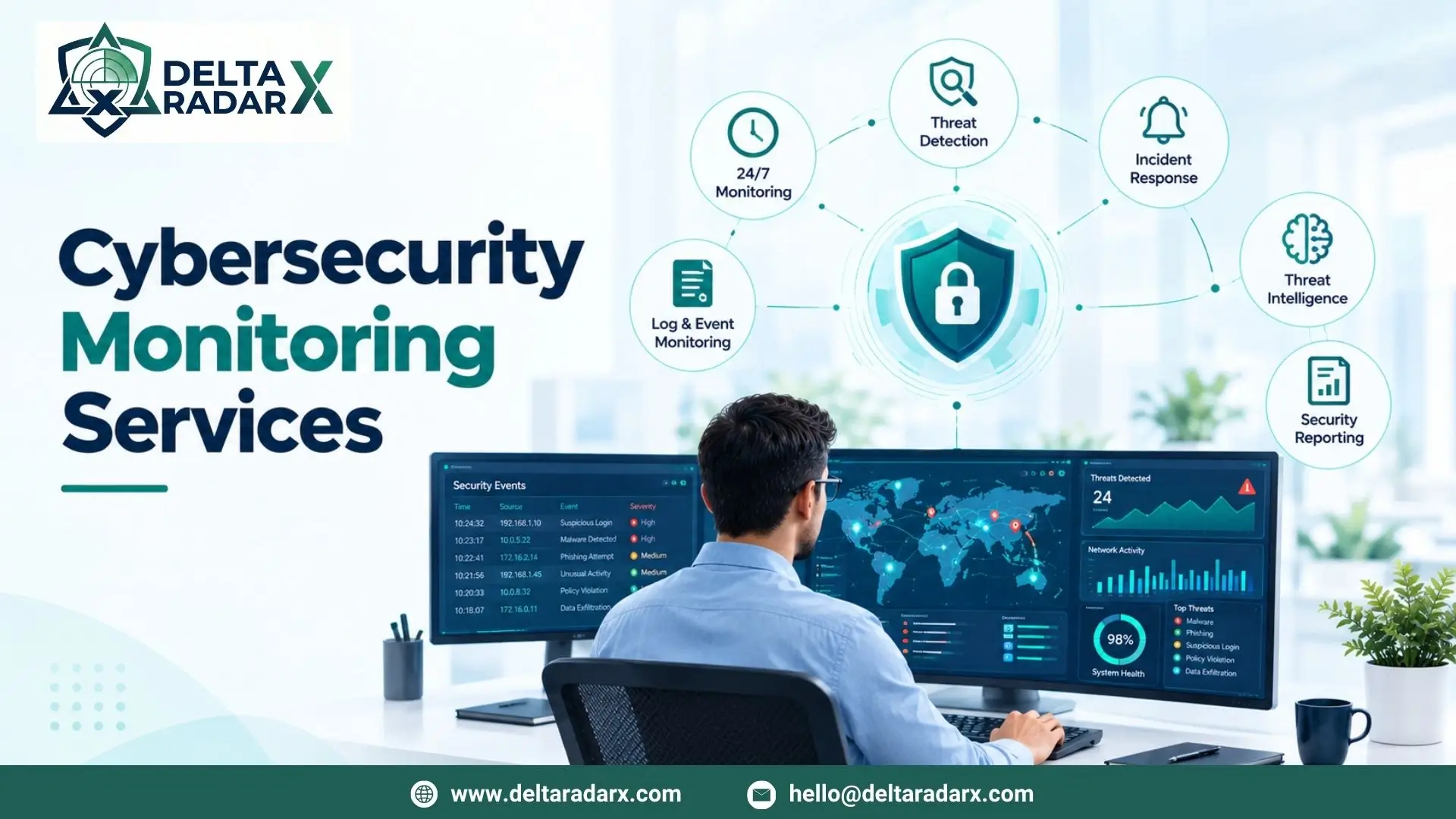
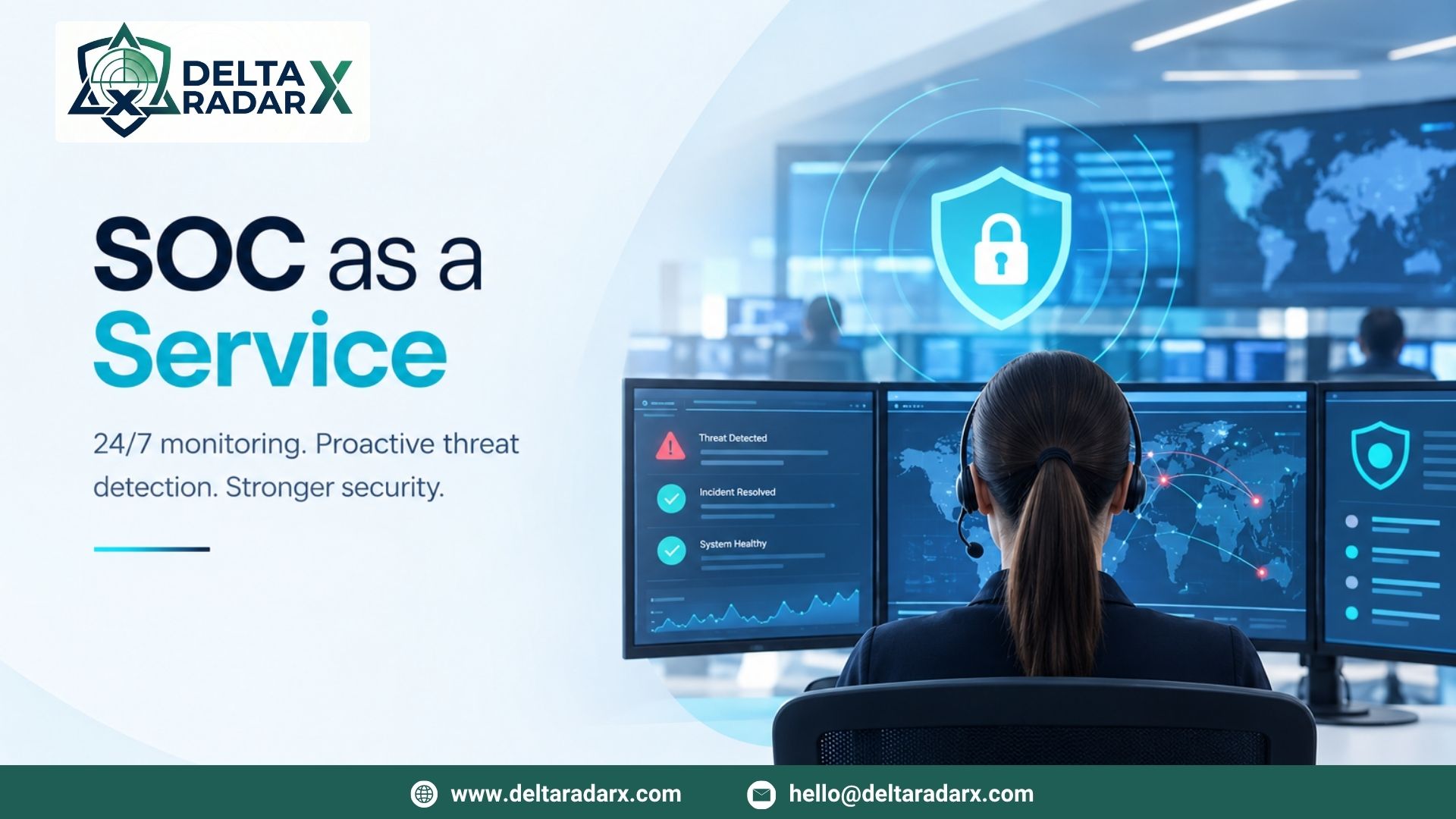
DeltaRadarX combines real-time SIEM and log monitoring with 24/7 SOC operations, Managed Detection and Response (MDR), incident handling, threat intelligence, SOAR automation, EDR, and network and firewall monitoring.
This approach allows security events to move from detection toward investigation and response through coordinated security workflows. Vulnerability assessments, compliance reporting, and co-managed SOC support can further strengthen an organization’s overall security operations.
By combining automation with experienced security analysts, organizations can respond quickly to routine incidents while maintaining human oversight for complex or high-risk situations.
Final Considerations
Automated Incident Response helps organizations reduce the time between detecting a threat and taking action. By connecting SIEM, EDR, SOAR, threat intelligence, and other security technologies, organizations can automate repetitive investigation and containment tasks while allowing security analysts to focus on incidents that require human judgment.
The most effective strategy is not to automate everything. Instead, organizations should automate predictable, low-risk actions and maintain human oversight for complex or potentially disruptive decisions.
When properly designed and continuously optimized, automated incident response can improve response speed, reduce analyst workload, strengthen threat containment, and create a more efficient cybersecurity operation.