
Your firewall sees a huge amount of network activity every day. Some connections are normal, while others may involve blocked requests, unusual traffic, port scans, or attempts to reach restricted systems.
The problem is that these events can quickly become difficult to track when an organization has multiple firewalls and a busy network.
Firewall Log Monitoring helps security teams make sense of this activity. It allows them to review firewall events, spot unusual patterns, investigate suspicious connections, and understand what is happening across the network.
For organizations that want better visibility into network traffic, effective firewall monitoring can become an important part of their overall security strategy.
What Is Firewall Log Monitoring?
Firewall Log Monitoring is the process of collecting and analyzing the events recorded by a firewall.
A firewall can log information about connections that it allows or blocks. Depending on the firewall configuration, these records may include the source and destination IP addresses, ports, protocols, timestamps, rules, and connection status.
Security teams can use this information to answer important questions.
Which systems are communicating?
Which connections are being blocked?
Are unusual IP addresses repeatedly targeting the network?
Is an internal device making unexpected outbound connections?
Regular monitoring makes these questions easier to answer.
Why Is Firewall Log Monitoring Important?
A firewall is positioned between different parts of a network. This gives it a useful view of traffic moving between internal systems, external services, and other network segments.
That visibility can help identify suspicious behavior.
For example, one blocked connection may simply be a normal request that was denied by a security rule. However, hundreds of connection attempts against different ports could indicate network scanning.
Similarly, unusual outbound traffic from an internal server could require investigation if the server normally communicates with only a small number of trusted services.
Firewall logs provide the evidence needed to investigate these situations.
Firewall Log Monitoring Software
Reviewing firewall logs manually becomes difficult as network activity increases. Firewall Log Monitoring Software can simplify this process by collecting events, organizing them, and making them easier to search and analyze.
Instead of checking separate firewall interfaces, security teams can use a centralized platform to review important activity.
What Should Firewall Monitoring Software Offer?
The right software depends on the organization’s environment. However, several capabilities are particularly useful.
Centralized collection brings logs from different firewalls into one place.
Real-time monitoring helps teams see important events as they happen.
Advanced search makes it easier to find specific IP addresses, ports, users, devices, or events.
Alerting can notify analysts when activity matches a defined security condition.
Event correlation helps connect firewall activity with events from other security systems.
Reporting can provide useful information for security reviews and compliance requirements.
A solution should also support the firewall technologies already used by the organization.
Firewall Log Monitoring Dashboard
A Firewall Log Monitoring Dashboard gives security teams a visual overview of network activity.
Instead of reading thousands of individual log entries, analysts can use charts, filters, and summaries to identify important patterns.
A dashboard may show:
- Blocked and allowed connections
- Most active source IP addresses
- Frequently targeted ports
- Top destinations
- Traffic trends
- Security alerts
- Firewall rule activity
This makes it easier to identify changes in network behavior.
For example, a sudden increase in blocked connections from one external source may stand out immediately on a dashboard.
Firewall Logging and Monitoring
Firewall logging and monitoring are connected, but they are not the same thing.
Logging records what happened.
Monitoring involves continuously reviewing those records to identify activity that may require attention.
Simply turning on firewall logging does not guarantee effective security monitoring.
An organization could collect thousands of events every day without noticing a serious threat if nobody analyzes the data.
Effective monitoring usually involves four basic steps:
- Collect relevant firewall events.
- Filter unnecessary noise.
- Identify unusual or risky activity.
- Investigate important alerts.
The process becomes more effective when firewall data is combined with information from endpoints, identity systems, applications, and other security tools.
Enhancing Cybersecurity Monitoring Using Firewall Logs and Machine Learning
Modern networks produce too much data for security teams to examine every event manually.
This is where machine learning and behavioral analytics can provide additional support.
Enhancing cybersecurity monitoring using firewall logs and machine learning involves analyzing large amounts of network activity to identify unusual behavior.
For example, a server may normally communicate with a limited number of trusted services. If it suddenly starts connecting to many unfamiliar external destinations, that change may deserve attention.
Machine learning can help identify these deviations from normal behavior.
It can also help security teams prioritize activity that appears unusual rather than treating every firewall event equally.
However, machine learning should not replace security analysts or traditional detection rules.
A strong monitoring strategy combines behavioral analysis with firewall policies, threat intelligence, endpoint data, and human investigation.
This combination provides more context and can reduce the chance of important activity being overlooked.
How Does Firewall Log Monitoring Detect Suspicious Activity?
Firewall logs can reveal several patterns that may require investigation.
Repeated Connection Attempts
An external address repeatedly attempting to connect to multiple ports could indicate scanning or reconnaissance.
Unusual Outbound Traffic
A compromised device may attempt to communicate with unfamiliar external systems.
Unexpected outbound traffic can therefore be useful as an investigation signal.
Connections to Known Malicious Infrastructure
Threat intelligence can help identify IP addresses or domains associated with known malicious activity.
When firewall logs show communication with these indicators, security teams can investigate the affected device or account.
Unexpected Port Activity
Connections involving unusual or restricted ports may deserve additional attention, particularly when they do not match normal business activity.
Firewall Rule Violations
Repeated attempts to access restricted services can indicate unauthorized access attempts or network misconfiguration.
Free Tool Monitoring Firewall Logs
Organizations with smaller environments may start with Free Tool Monitoring Firewall Logs.
Free or open-source tools can provide useful capabilities for basic log collection, searching, and visualization.
They can also be useful for learning how firewall monitoring works before moving to a more advanced solution.
However, free tools may have limitations.
Organizations should consider the number of firewalls they need to monitor, the amount of log data generated, alerting requirements, integrations, retention needs, and available technical resources.
A tool that works well for a small network may not provide enough scalability or automation for a larger business environment.
Firewall Log Monitoring and SIEM
Firewall logs become even more useful when they are analyzed alongside other security events.
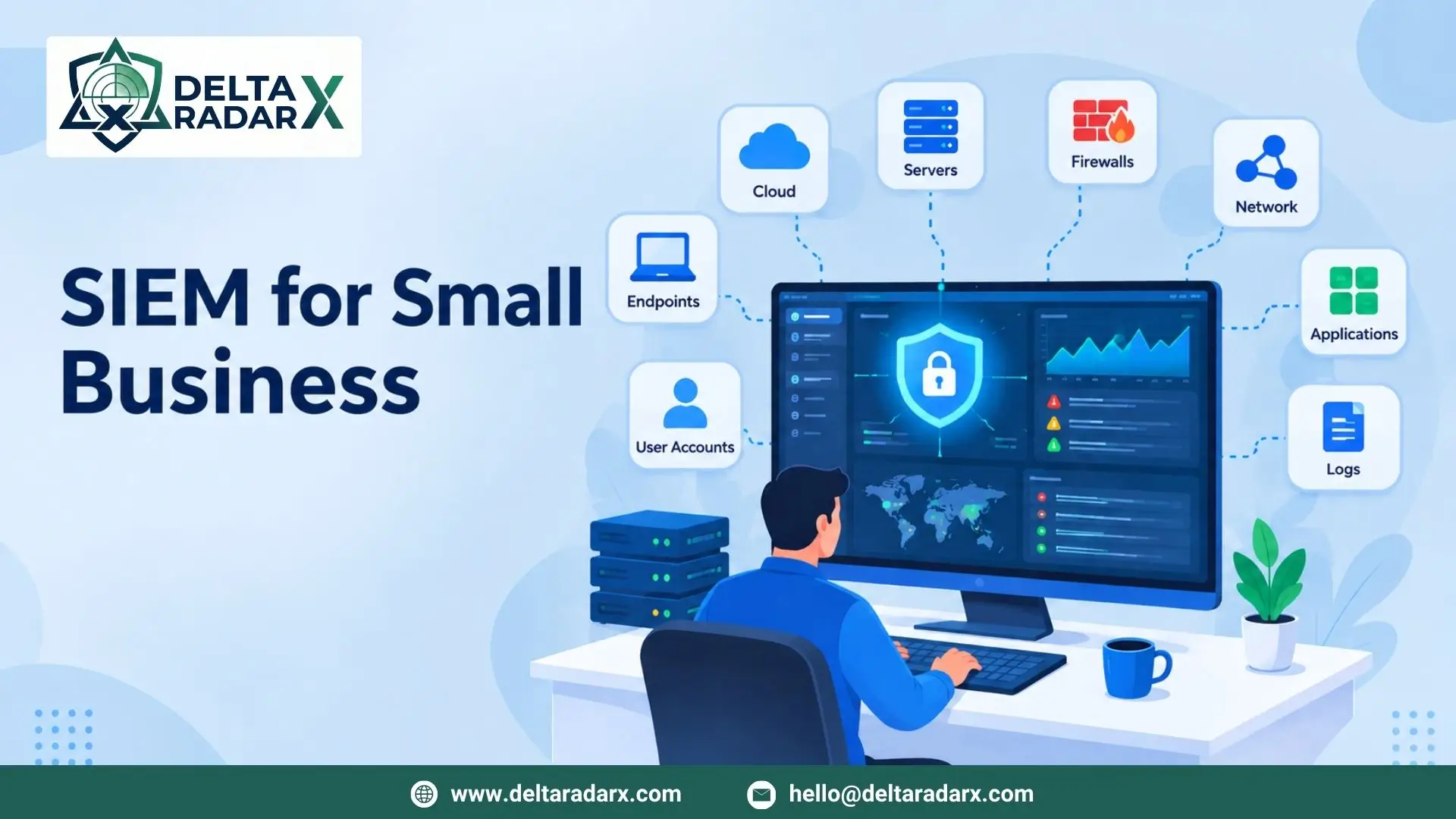
A SIEM platform can collect data from firewalls, endpoints, servers, authentication systems, cloud applications, and other infrastructure.
It can then correlate related events.
Imagine a firewall detects unusual outbound traffic from an employee laptop. At the same time, the endpoint generates a malware alert and the user’s account shows an unusual login.
Looking at all three events together gives security analysts much more information than the firewall event alone.
Organizations that need continuous monitoring can use Managed SIEM Services to support ongoing log analysis, security alert investigation, threat detection, and response.
Common Firewall Log Monitoring Challenges
Too Much Log Data
Large networks can generate an enormous number of firewall events.
Without proper filtering, analysts may spend too much time reviewing routine activity.
False Alerts
Not every unusual connection is malicious.
Applications, cloud services, backups, and legitimate business processes can all create unexpected traffic.
Detection rules need regular tuning to reduce unnecessary alerts.
Multiple Firewall Systems
Organizations with different firewall vendors may have different log formats and collection methods.
Centralizing and normalizing this information can make analysis easier.
Lack of Endpoint Context
A firewall can show that a connection happened, but it may not explain what was happening on the device that created it.
Combining firewall data with an Endpoint Monitoring Solution can provide additional context about processes, applications, and user activity.
Best Practices for Firewall Log Monitoring
A few practical steps can make firewall monitoring more effective.
Monitor Both Incoming and Outgoing Traffic
Inbound monitoring helps identify external attempts to access internal resources.
Outbound monitoring can help identify compromised devices communicating with suspicious external systems.
Both are important.
Focus on High-Value Events
Not every firewall event requires an immediate response.
Prioritize events involving sensitive systems, unusual destinations, restricted ports, or repeated connection attempts.
Review Firewall Rules
Old or unnecessary rules can create security gaps.
Regular reviews help ensure that firewall policies still match the organization’s requirements.
Keep Logs Available for Investigation
Historical logs can be important when investigating an incident.
Organizations should establish appropriate retention policies based on their security and compliance requirements.
Correlate Firewall Data
Firewall events become more useful when they are analyzed alongside endpoint, identity, cloud, and application data.
This broader context can help analysts determine whether an event is harmless or part of a larger attack.
Firewall Log Monitoring at DeltaRadarX
DeltaRadarX approaches firewall monitoring as part of a broader security monitoring strategy.
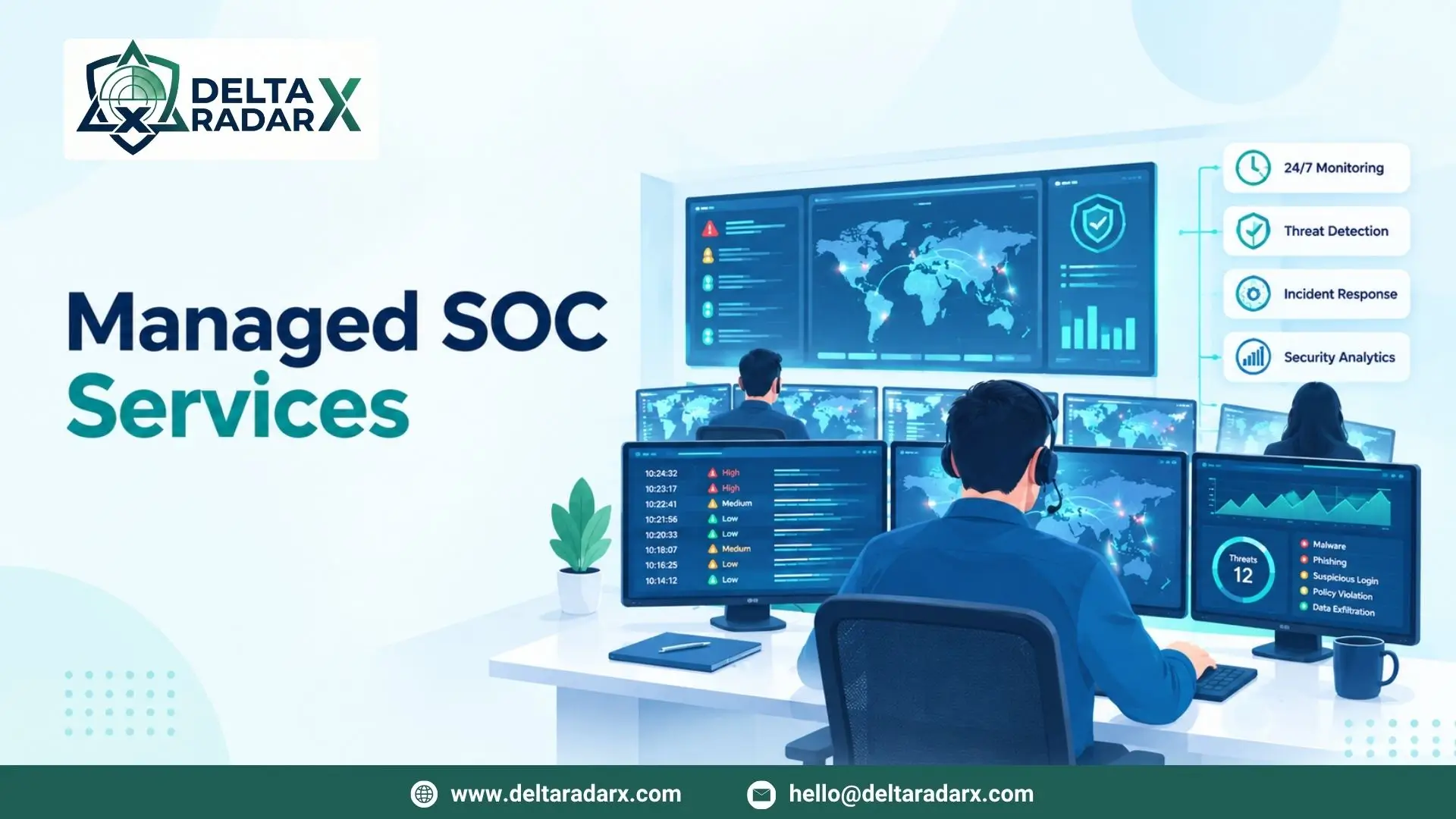
Its capabilities include 24/7 SOC operations, real-time SIEM and log monitoring, Managed Detection and Response (MDR), incident handling, threat intelligence, SOAR automation, EDR, and network and firewall monitoring.
This allows firewall events to be considered alongside activity from endpoints, networks, and other security systems.
For organizations that need additional security support, vulnerability assessments, compliance reporting, and co-managed SOC capabilities can also complement their monitoring strategy.
Final Considerations
Firewall Log Monitoring gives organizations a clearer view of network activity and helps security teams investigate events that may otherwise be difficult to identify.
The goal is not simply to collect more logs. Organizations need a practical way to filter, search, analyze, and correlate those events.
Firewall log monitoring software, dashboards, machine learning, threat intelligence, and SIEM integration can all improve the monitoring process.
For growing environments, combining firewall data with endpoint, identity, cloud, and application events provides stronger context and can help security teams detect suspicious behavior more effectively.