
Windows Event Log Monitoring plays an important role in protecting Windows-based environments by helping IT and security teams understand what is happening across servers, workstations, applications, and user accounts. With effective Windows Event Log Monitoring, organizations can identify failed login attempts, unexpected account changes, suspicious processes, system errors, and other events that may require investigation.
Windows systems generate a huge amount of event data every day. Most of it is routine, but some events can provide early signs of a security incident. The challenge is separating useful signals from normal background activity. A well-designed monitoring strategy helps security teams collect relevant events, analyze them in context, and respond to suspicious behavior before it develops into a larger problem.
Windows Event Log Monitoring Software
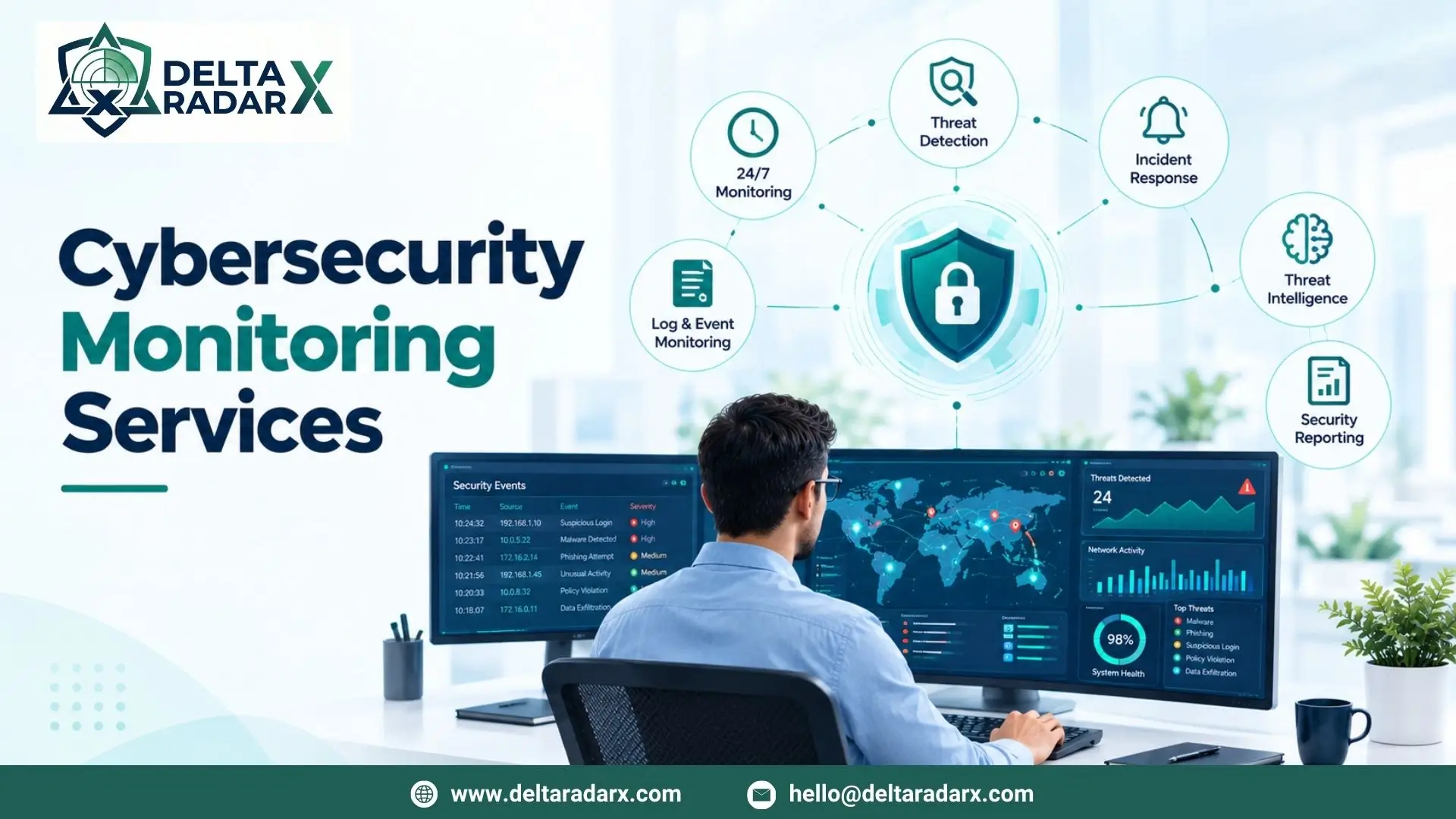
Windows Event Log Monitoring Software collects event information from Windows systems and provides tools for searching, filtering, analyzing, and alerting on important activity. Instead of manually checking logs on individual computers or servers, teams can bring relevant information into a centralized monitoring environment.
A good solution should make it easy to identify important events without overwhelming analysts with unnecessary alerts. For example, multiple failed authentication attempts, unexpected administrator account changes, unusual service activity, or modifications to security settings may deserve closer attention.
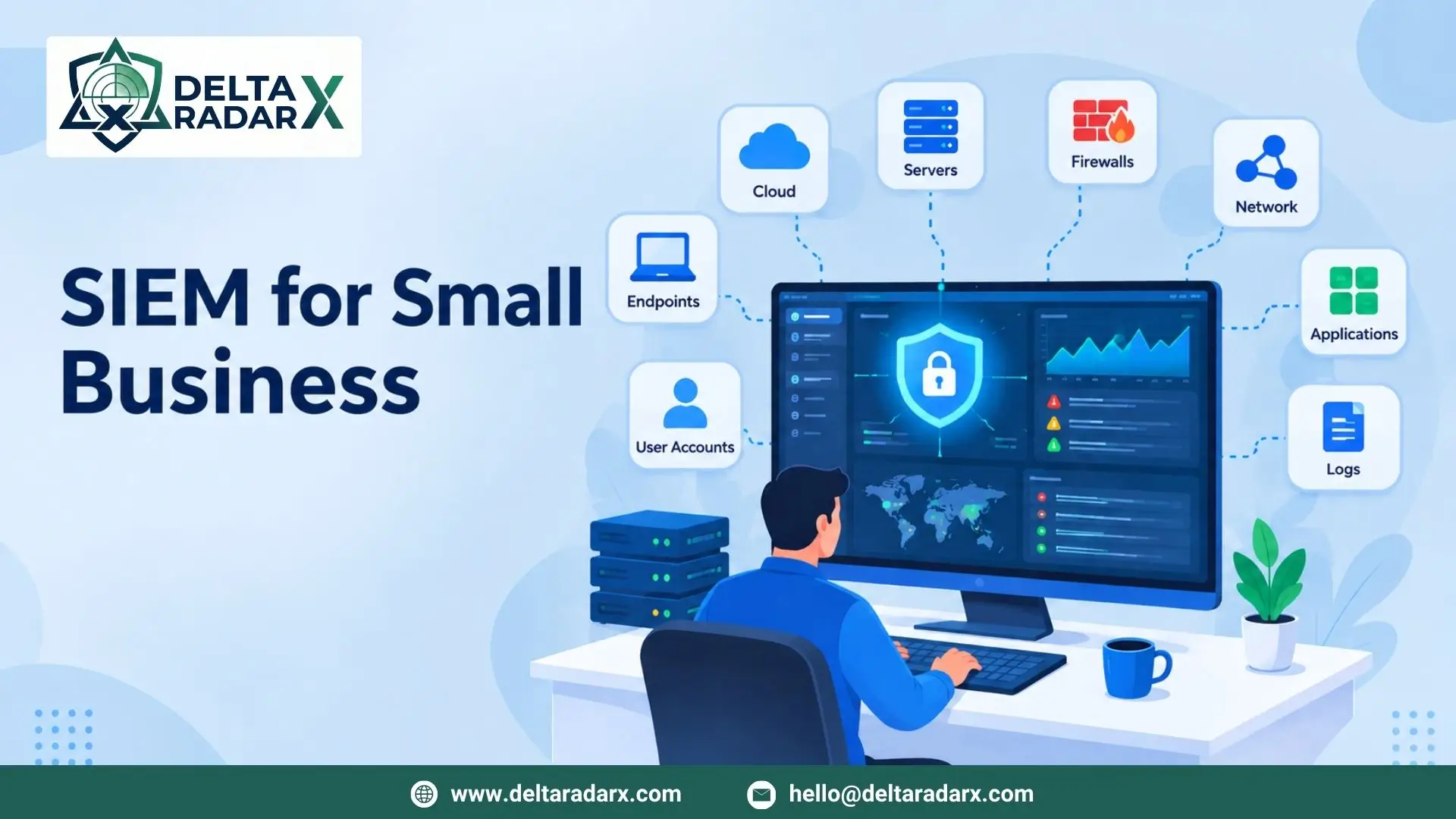
More advanced solutions can correlate Windows events with information from endpoints, firewalls, applications, and network devices. This broader context can make investigations much easier because analysts can see how activity on one system relates to events happening elsewhere in the environment.
For organizations operating larger infrastructures, centralized log management can also improve consistency. Security teams can apply monitoring policies across critical systems instead of relying on individual administrators to review logs manually.
Windows Event Log Monitor
A Windows Event Log Monitor continuously observes event data and identifies activity that matches specific rules, patterns, or detection conditions. Depending on the solution, administrators can monitor particular event IDs, users, machines, applications, or categories of activity.
Consider a situation where an employee account suddenly generates dozens of failed login attempts followed by a successful login. Looking at each event separately may not immediately reveal the problem. When these events are analyzed together, however, they may indicate a potential password attack or compromised account.
The same principle applies to privilege changes, new user creation, unexpected software installation, or modifications to critical system settings. Effective monitoring provides the context needed to determine whether an event is simply administrative activity or something more concerning.
What Should You Monitor?
Not every Windows event requires the same level of attention. Security teams should prioritize events that can provide meaningful evidence of suspicious behavior, including:
- Successful and failed authentication attempts
- Account creation and deletion
- Privilege and group membership changes
- Administrative activity
- Process and service activity
- Security policy modifications
- Unexpected system configuration changes
- Remote access activity
- Application and system errors
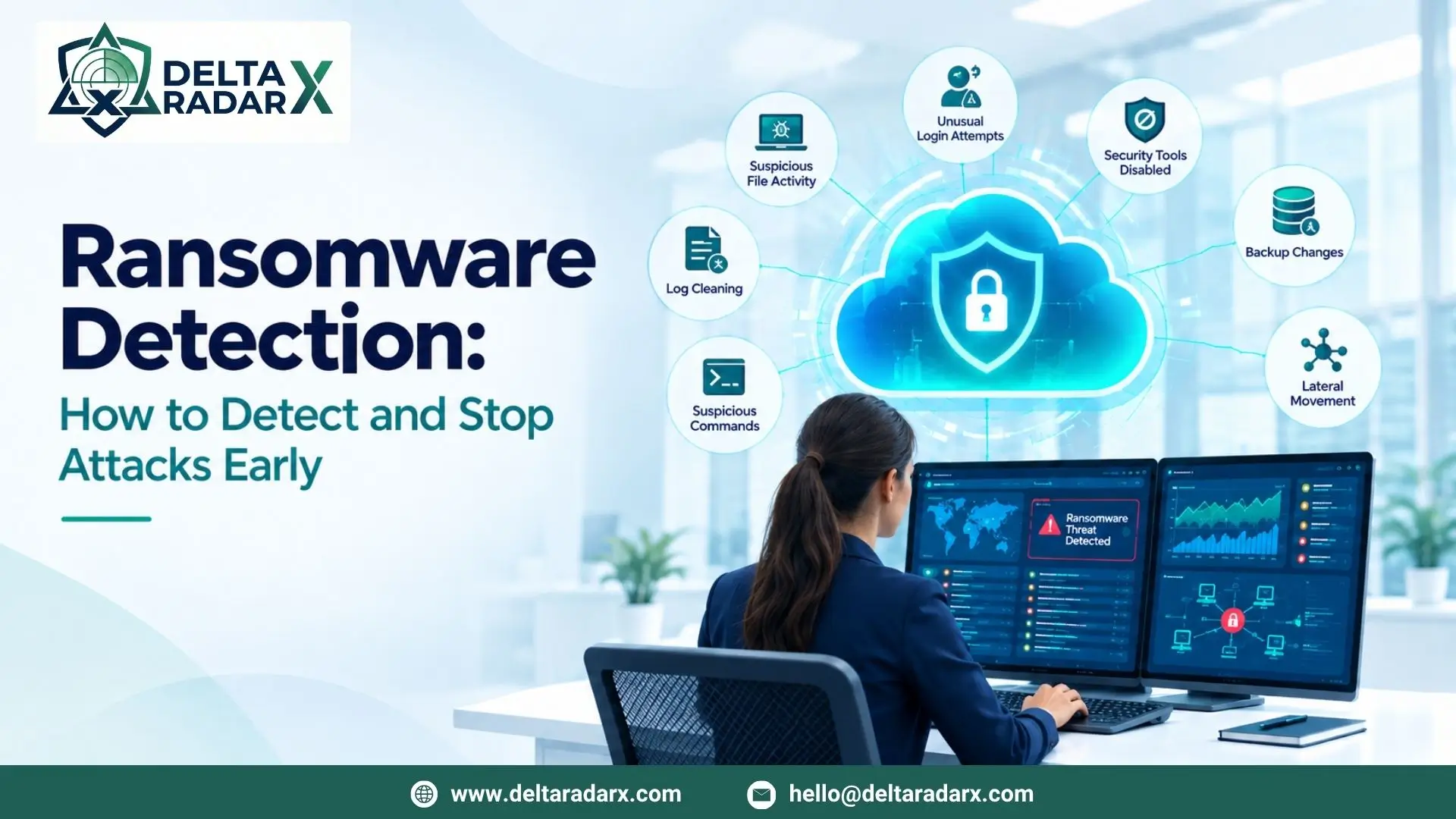
- Potentially suspicious PowerShell activity
The exact events worth monitoring depend on the organization’s environment, risk profile, and security requirements.
PowerShell Windows Event Log Monitoring
PowerShell Windows Event Log Monitoring is particularly useful because PowerShell is widely used for legitimate administration as well as automation and, in some attacks, malicious activity. Monitoring PowerShell-related events can provide additional visibility into commands and scripts executed within a Windows environment.
Security teams can use appropriate PowerShell logging and monitoring controls to identify unusual script execution, suspicious command patterns, or activity originating from unexpected accounts or systems. However, the presence of PowerShell activity does not automatically mean that an attack is taking place. PowerShell is a normal administrative tool, so events need to be evaluated in context.
Monitoring PowerShell Activity More Effectively
A practical approach is to combine PowerShell events with other security signals. For example, an unusual PowerShell command followed by a new scheduled task, suspicious network connection, or privilege change is more significant than an isolated PowerShell event.
This type of correlation can help analysts reduce false positives and focus their attention on activity that has a higher likelihood of representing a genuine threat.
Organizations should also ensure that logging is configured appropriately and that collected logs are protected. Excessive logging without proper analysis can create unnecessary storage and alert-management challenges.
Open Source Windows Event Log Monitoring
Open Source Windows Event Log Monitoring solutions can be an attractive option for organizations that want greater control over their monitoring environment or have limited budgets. Open-source tools can provide capabilities for collecting, forwarding, searching, and analyzing Windows events, depending on the platform and configuration.
One of the main advantages of an open-source approach is flexibility. Security teams may be able to customize collection rules, integrations, dashboards, and detection logic according to their specific requirements.
However, open source does not necessarily mean simple. Organizations still need the technical expertise to deploy, configure, maintain, update, and secure the monitoring infrastructure. Someone also needs to review alerts and investigate suspicious events.
Open Source vs. Managed Monitoring
The right choice depends on the organization’s resources and security maturity. An experienced security team may have the expertise to operate an open-source monitoring stack internally. Smaller organizations or teams with limited security staff may benefit from managed monitoring, where security specialists continuously review alerts and help investigate potential incidents.
In either model, the objective remains the same: collect useful event data, identify meaningful patterns, and respond to threats quickly.
Best Practices for Windows Log Monitoring
A strong monitoring strategy is about more than simply collecting every available event. Organizations should focus on creating a useful and sustainable process.
Centralize important logs: Critical Windows systems should forward relevant events to a centralized platform so analysts can investigate activity from one location.
Prioritize security events: Authentication failures, privilege changes, suspicious processes, and other high-value events should receive appropriate attention.
Create meaningful detection rules: Rules should be regularly reviewed and adjusted to reduce false positives while maintaining visibility into important threats.
Correlate multiple data sources: Windows events become more valuable when combined with endpoint, network, firewall, and application telemetry.
Protect log integrity: Logs can contain sensitive security information and should be protected against unauthorized access, alteration, or deletion.
Retain logs appropriately: Retention periods should support incident investigation, operational requirements, and applicable compliance obligations.
Review alerts continuously: Detection is only useful when someone can investigate and respond to important alerts in a timely manner.
Strengthening Windows Security With a SOC
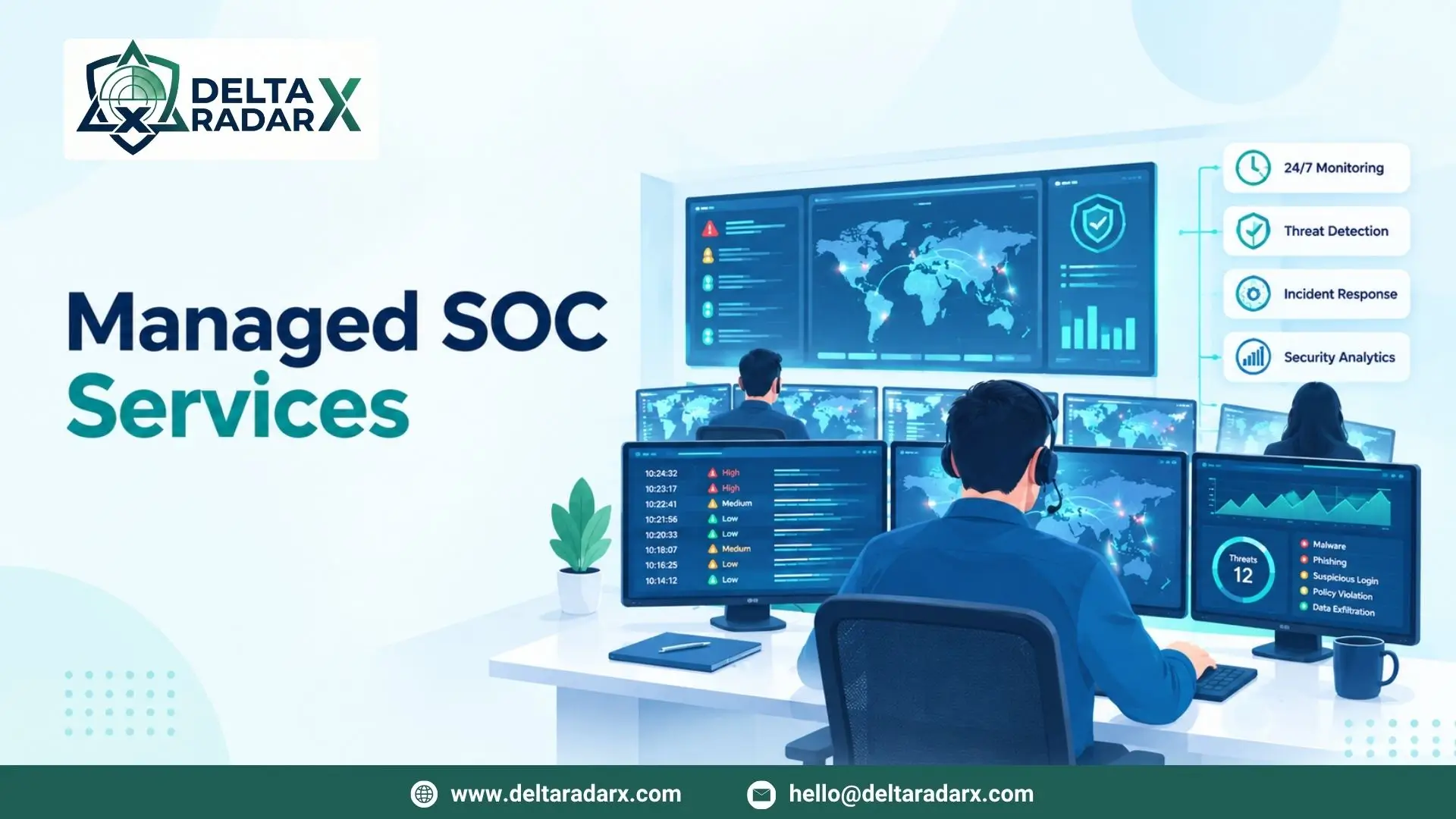
For organizations that need continuous visibility but do not have enough internal resources to monitor events around the clock, a managed SOC can provide additional support. Security analysts can review alerts, investigate suspicious activity, correlate events from multiple systems, and assist with incident response.
DeltaRadarX combines 24/7 SOC operations, real-time SIEM and log monitoring, MDR, EDR, threat intelligence, incident handling, network and firewall monitoring, SOAR automation, vulnerability assessment, and compliance reporting to help organizations build a more coordinated security monitoring strategy.
The goal is not simply to collect more logs. It is to turn security data into useful intelligence that helps teams understand what is happening, identify genuine threats, and take action before incidents cause significant damage.
Final Thoughts
Effective Windows logging provides valuable visibility into user activity, system changes, authentication events, administrative actions, and potential indicators of compromise. Whether an organization uses commercial software, open-source tools, or managed security services, the quality of its monitoring process ultimately depends on how effectively it collects, correlates, analyzes, and responds to the information being generated.
For modern Windows environments, combining centralized event collection with SIEM, endpoint monitoring, threat intelligence, and continuous SOC oversight can provide a much stronger foundation for detecting and responding to cybersecurity threats.