Cloud environments are now part of everyday business operations. Companies use cloud platforms to store data, run applications, host workloads, and support remote teams.
However, cloud environments also create new security challenges.
Businesses need to know who is accessing their cloud resources. They also need to detect unusual activity, monitor security events, and respond to threats quickly.
This is where cloud security monitoring becomes important.
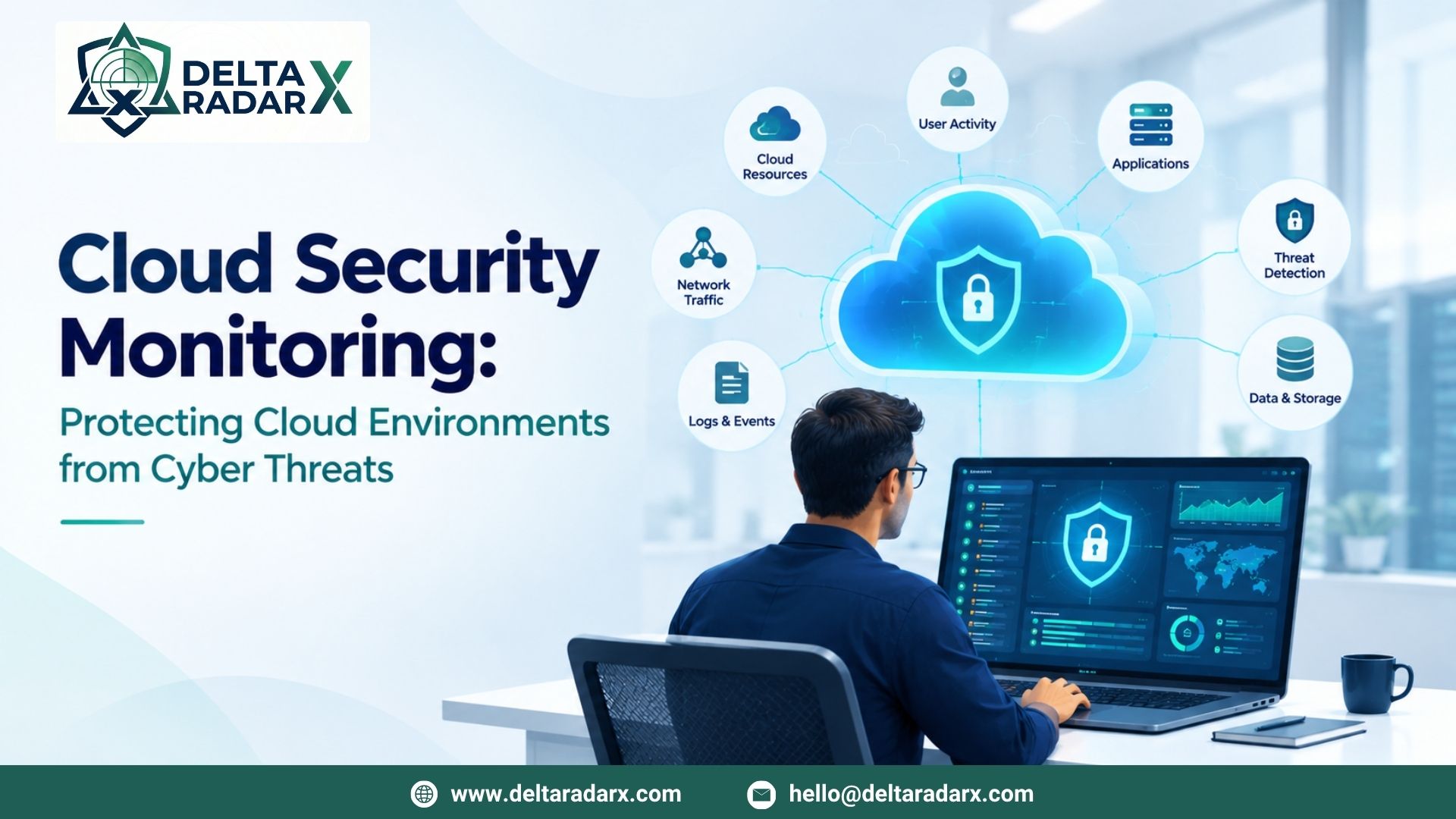
Cloud security monitoring helps businesses track activity across cloud environments. It provides visibility into users, workloads, applications, networks, and data.
What Is Cloud Security Monitoring?
Cloud security monitoring is the process of continuously watching cloud environments for security risks and unusual activity.
It can monitor different parts of a cloud environment, including:
- Cloud accounts
- User activity
- Applications
- Cloud workloads
- Network traffic
- Storage
- APIs
- Access permissions
- Security logs
Security teams can use this information to identify potential threats.
For example, an unusual login may create an alert. A sudden permission change may also require investigation.
Why Is Cloud Security Monitoring Important?
Cloud systems can contain sensitive business information.
They may also connect to important applications and internal systems.
Therefore, a security problem in the cloud can affect business operations.
Cloud monitoring can help businesses:
- Detect suspicious activity
- Monitor user access
- Identify security risks
- Protect cloud workloads
- Investigate security events
- Improve visibility
- Support incident response
- Reduce security gaps
Continuous monitoring also helps teams understand what is happening across their cloud environment.
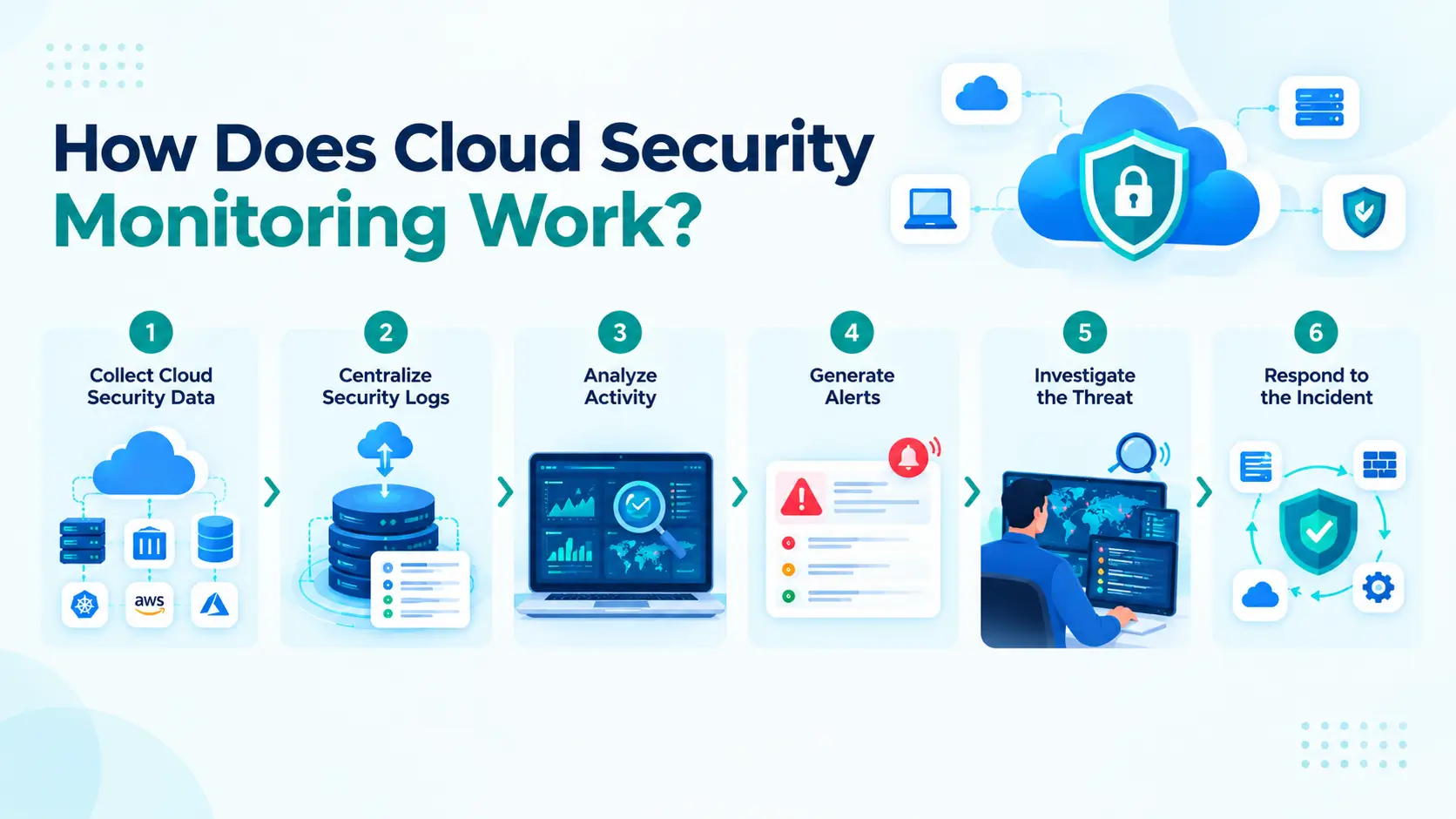
How Does Cloud Security Monitoring Work?
Cloud monitoring usually involves several steps.
1. Collect Cloud Security Data
First, security teams collect data from cloud services.
This data can include login events, API activity, network events, and configuration changes.
Cloud platforms can generate a large number of security events.
2. Centralize Security Logs
Next, businesses can send important logs to a central monitoring platform.
This makes it easier to search and analyze security events.
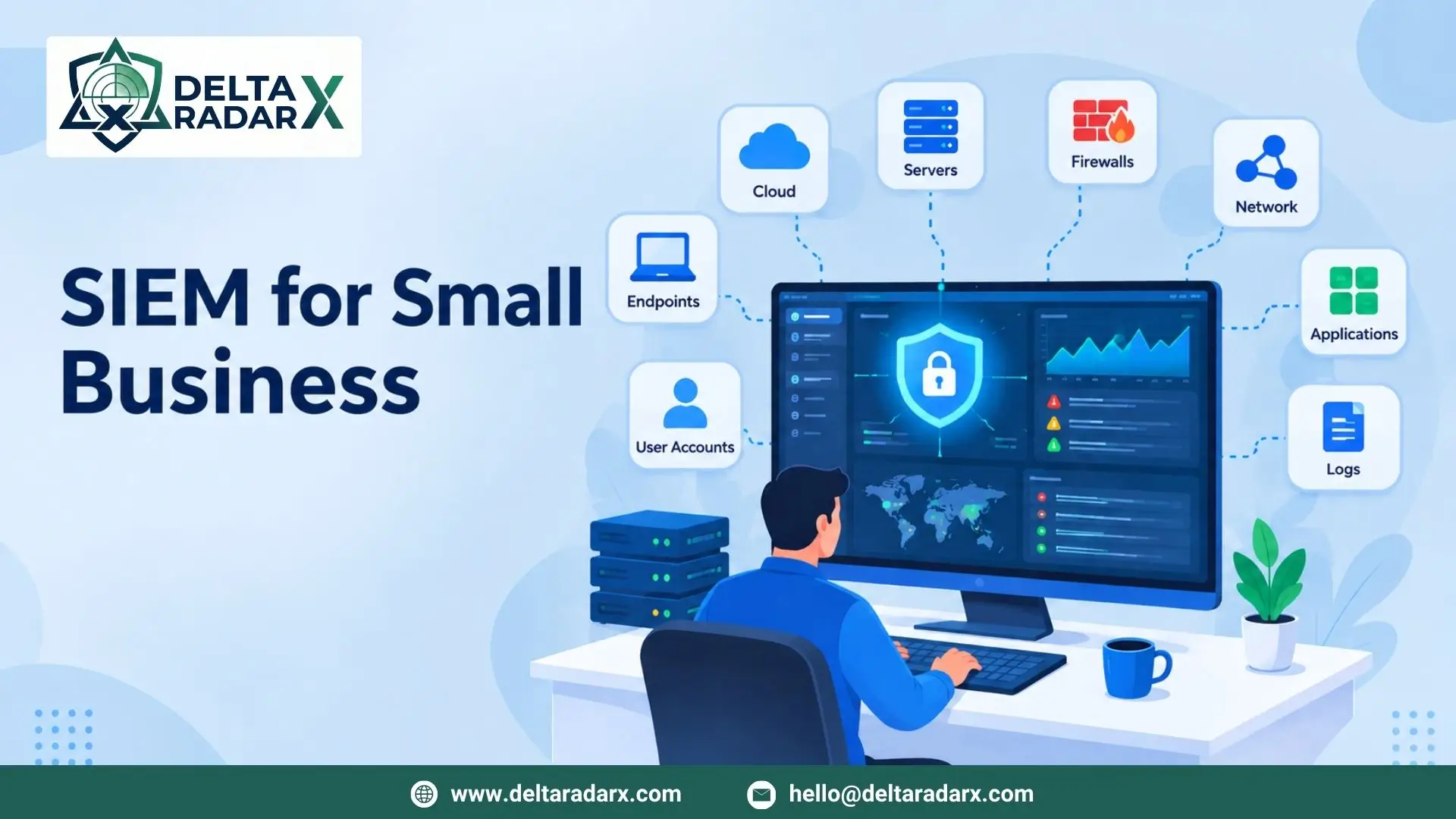
A SIEM can also collect cloud logs alongside data from endpoints, firewalls, servers, and other systems.
3. Analyze Activity
Security tools analyze the collected data.
They can look for unusual behavior and known threat patterns.
For example, a login from an unusual location may trigger an alert.
4. Generate Alerts
When suspicious activity is detected, the monitoring system can generate an alert.
Security teams can then review the event.
5. Investigate the Threat
Analysts review the alert and related activity.
They can check the affected user, account, device, application, and cloud resource.
This provides more context about the event.
6. Respond to the Incident
If the activity is confirmed as malicious, the security team can take action.
They may disable an account, remove unauthorized access, isolate a workload, or block suspicious traffic.
Security Monitoring in Cloud Computing
Security monitoring in cloud computing requires visibility across different cloud services.
A business may use cloud storage, applications, virtual machines, databases, and APIs.
Each service can produce security events.
Security teams should monitor these events to identify potential risks.
Important areas include:
User Activity
Monitoring user activity can help identify unusual behavior.
For example, a user may suddenly access resources they do not normally use.
Authentication
Login activity can provide useful security information.
Teams can monitor failed logins, unusual locations, and unexpected authentication methods.
Access Permissions
Permission changes can create security risks.
Monitoring permission changes can help identify unauthorized access.
Network Activity
Cloud networks can generate valuable security data.
Teams can monitor connections, traffic patterns, and unusual communication between resources.
Cloud Workloads
Cloud workloads can include virtual machines, containers, and applications.
Monitoring these workloads can help identify suspicious processes and activity.
API Activity
APIs allow applications and services to communicate.
Attackers may abuse exposed or compromised APIs.
Monitoring API activity can help identify unusual requests and access patterns.
Cloud Security Monitoring Tools
Businesses can use different cloud security monitoring tools depending on their environment.
Some tools focus on cloud infrastructure. Others monitor users, applications, endpoints, or network activity.
Common categories include:
Cloud Security Platforms
These tools provide visibility into cloud resources and configurations.
They can help identify misconfigurations and security risks.
SIEM Platforms
SIEM platforms collect security events from different sources.
They can combine cloud logs with endpoint, firewall, and application data.
This can give analysts a broader view during investigations.
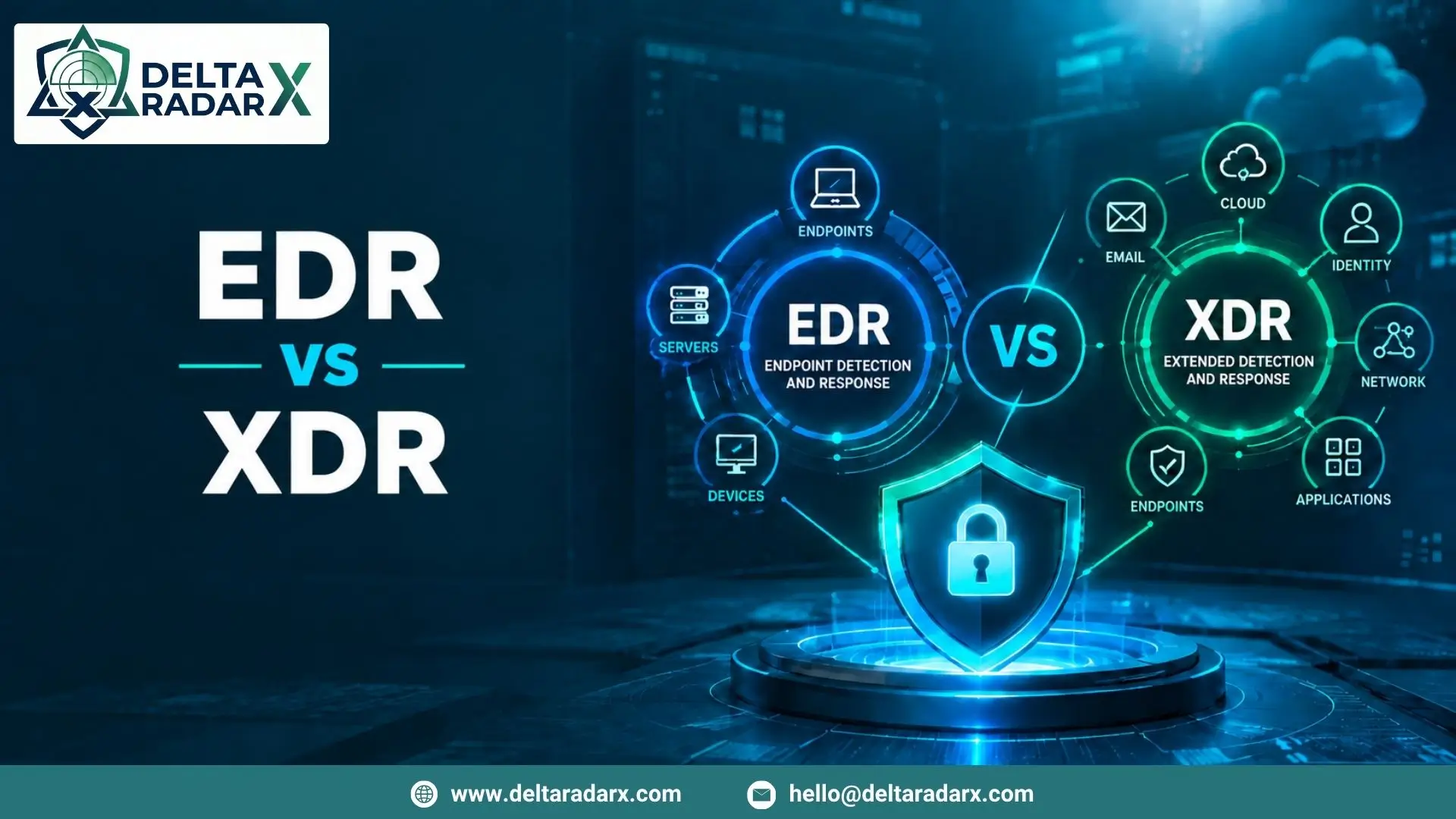
EDR and XDR
EDR monitors endpoint activity.
XDR can bring security information from multiple security layers together.
These technologies can support cloud security when cloud workloads and endpoints are connected.
Cloud Access Security Tools
These tools can help organizations monitor access to cloud applications and services.
They can also help identify risky user behavior and unauthorized access.
Vulnerability Management Tools
Vulnerability management tools can identify weaknesses in cloud assets.
Security teams can then prioritize and address important vulnerabilities.
Cloud-Based Security Monitoring
Cloud based security monitoring allows businesses to monitor security activity through cloud-hosted security platforms.
This approach can reduce the need to maintain additional monitoring infrastructure.
Cloud-based monitoring can provide:
- Centralized dashboards
- Remote access
- Flexible scalability
- Automated updates
- Centralized security data
- Integration with cloud services
This can be useful for businesses with distributed teams and cloud-first environments.
However, businesses should still review data retention, access controls, integrations, and pricing before choosing a solution.
Key Benefits of Cloud Security Monitoring
Better Visibility
Cloud monitoring gives security teams a clearer view of cloud activity.
They can monitor users, workloads, applications, and network activity.
Faster Threat Detection
Continuous monitoring can help identify suspicious activity sooner.
This gives security teams more time to investigate and respond.
Improved Access Monitoring
Businesses can track who is accessing cloud resources.
They can also investigate unusual access patterns.
Better Incident Investigation
Centralized security data can help analysts understand what happened.
They can review events before and after an alert.
Reduced Security Risks
Monitoring can reveal configuration problems and unusual activity.
Businesses can then take action to reduce these risks.
Support for Compliance
Many organizations need security logs and activity records.
Cloud monitoring can help collect and organize this information.
Common Cloud Security Threats
Cloud environments can face several types of security threats.
Account Takeover
Attackers may use stolen credentials to access cloud accounts.
Unusual login activity can be an important warning sign.
Misconfigured Cloud Resources
Incorrect configurations can expose data or services.
Regular monitoring can help identify changes and risky configurations.
Unauthorized Access
Users may access resources without proper authorization.
Monitoring permissions and access activity can help identify these events.
Malware
Malware can affect cloud workloads and connected endpoints.
Security monitoring can help identify suspicious processes and connections.
Data Exfiltration
Attackers may attempt to move sensitive data outside the organization.
Unusual data transfers can require further investigation.
Insider Threats
A compromised or misused account can create security risks.
Monitoring user behavior can help identify unusual activity.
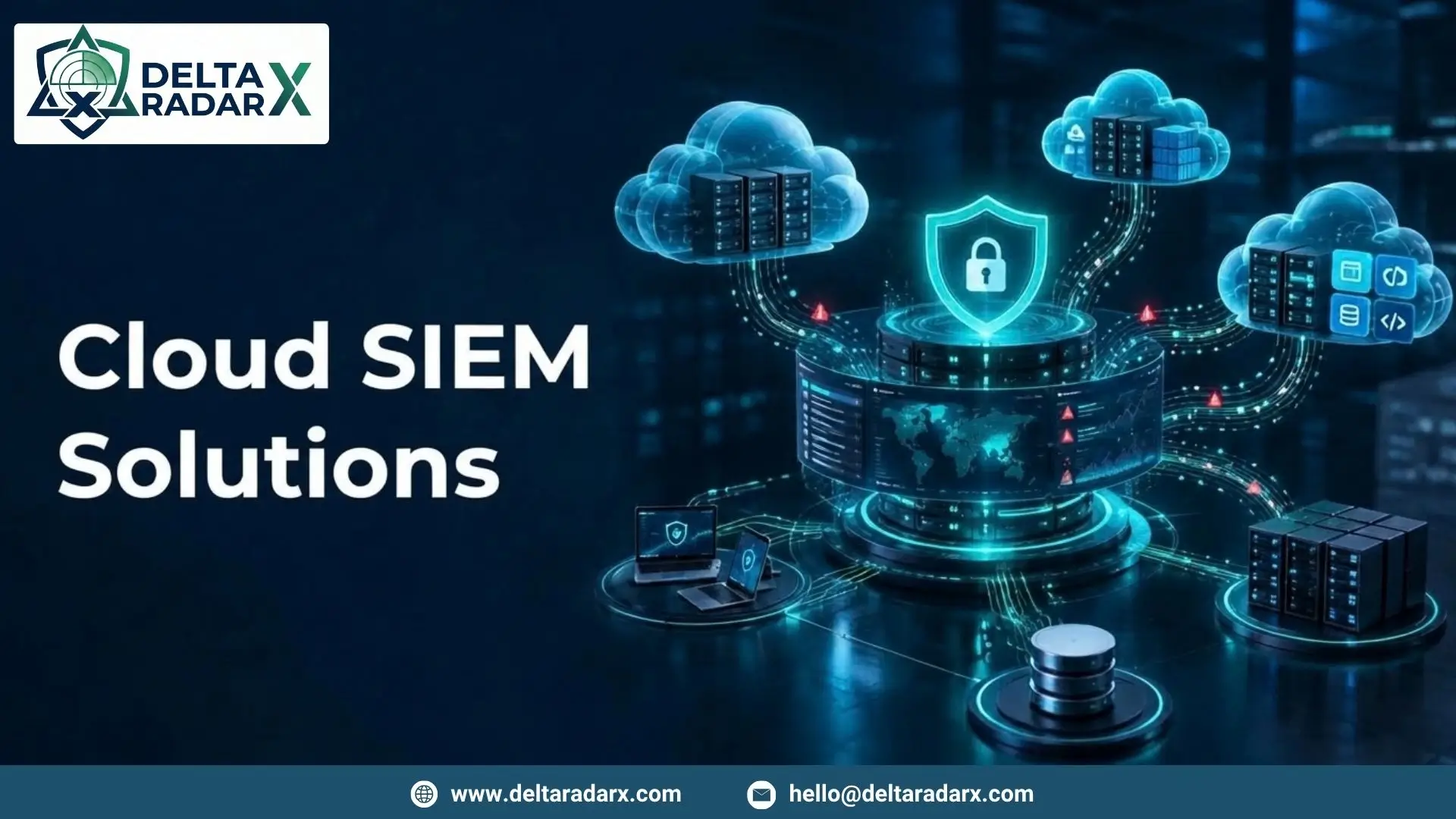
Cloud Security Monitoring and SIEM
SIEM can play an important role in cloud security monitoring.
A SIEM can collect security data from cloud services and other systems.
For example, a business can send:
- Cloud authentication logs
- API logs
- Firewall logs
- Server logs
- Endpoint alerts
- Application logs
into a central SIEM platform.
Analysts can then search and correlate these events.
For example, an unusual cloud login followed by a permission change and large data transfer may require investigation.
This is where SIEM integration can improve security visibility.
Cloud Security Monitoring and SOC
A Security Operations Center can monitor cloud security events continuously.
SOC analysts can review alerts and investigate suspicious activity.
They can also coordinate response actions when a threat is confirmed.
For businesses without a large internal security team, managed SOC services can provide additional monitoring support.
Cloud Security Monitoring for Small Businesses
Small businesses are also moving more workloads to the cloud.
However, they may have limited security resources.
Cloud security monitoring can help them maintain visibility without manually checking every cloud service.
A small business can start by monitoring its most important resources.
These may include:
- Cloud accounts
- Business applications
- Storage
- Critical workloads
- Authentication systems
- Network activity
As the business grows, monitoring can expand to additional systems.
Cloud Security Monitoring for Remote Workforces
Remote employees often access cloud applications from different locations.
This creates additional monitoring requirements.
Security teams can monitor:
- Login locations
- User activity
- Device activity
- Application access
- Authentication events
- Unusual data access
For example, a user who normally accesses a cloud application from one location may suddenly log in from another location and access sensitive data.
This activity may require further investigation.
How to Improve Cloud Security Monitoring
Businesses can improve their monitoring strategy with a few practical steps.
Monitor Critical Assets First
Start with the cloud resources that contain sensitive data or support important business functions.
Centralize Security Logs
Send important cloud logs to a central monitoring platform.
This makes investigation easier.
Set Useful Alerts
Create alerts for events that require attention.
Avoid creating unnecessary alerts because they can increase analyst workload.
Review User Permissions
Check cloud permissions regularly.
Remove unnecessary access when possible.
Monitor Configuration Changes
Track changes to important cloud resources.
Unexpected changes may indicate a security problem.
Use Threat Intelligence
Threat intelligence can help identify known malicious indicators.
It can also improve detection rules.
Test Your Response Process
Security teams should know what to do after a threat is detected.
Regular testing can help identify gaps in the response process.
Cloud Security Monitoring Services
Businesses that do not have enough internal security resources can use managed security services.
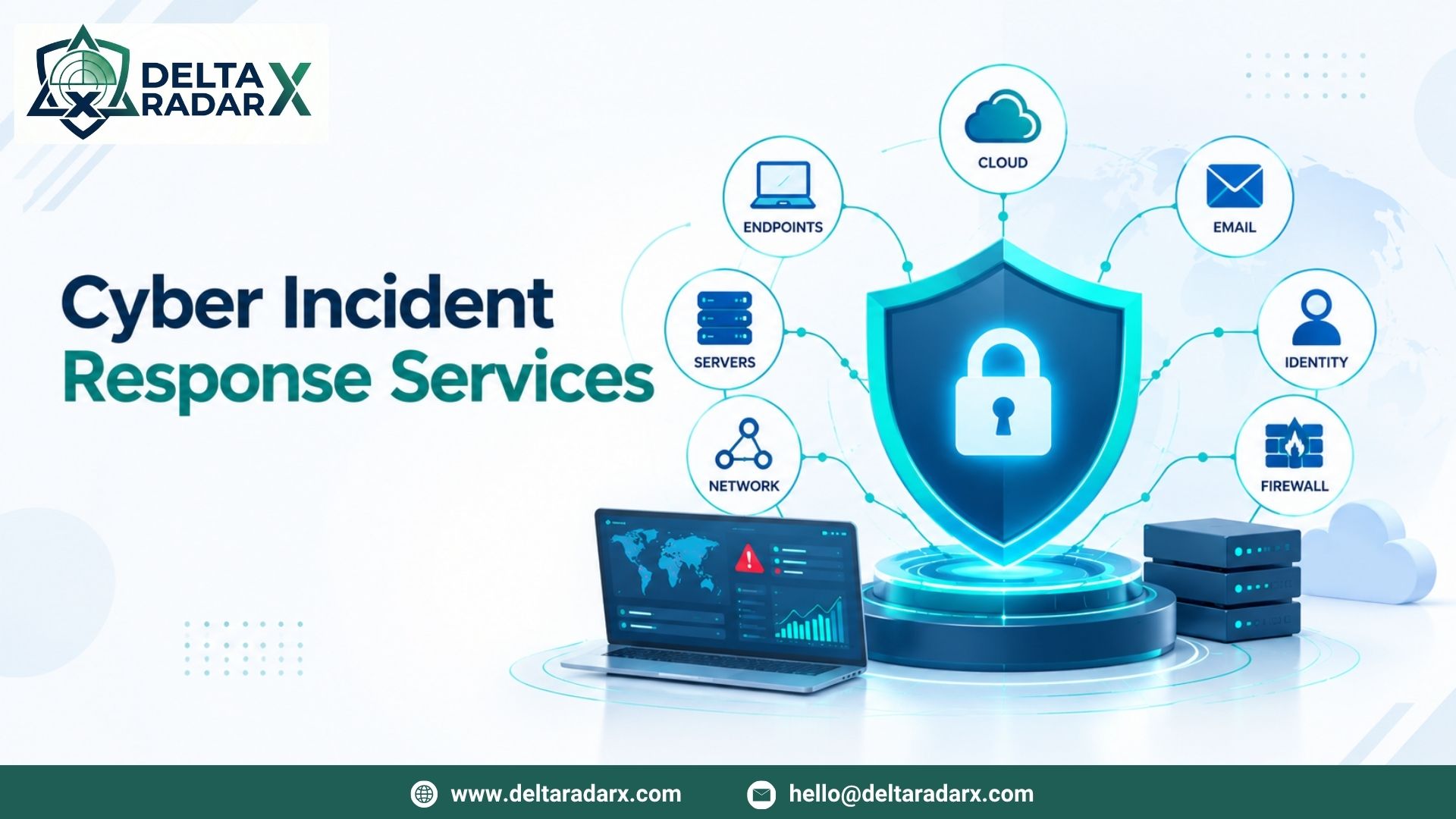
A managed provider can monitor cloud environments and investigate security alerts.
DeltaRadarX provides security capabilities that can support cloud monitoring, including 24/7 SOC monitoring, SIEM and log monitoring, Managed Detection and Response, EDR, incident handling, SOAR automation, network and firewall monitoring, vulnerability auditing, and compliance reporting.
These services can work together to provide broader security visibility.
For example, cloud logs can be collected through SIEM. SOC analysts can then review important alerts and investigate suspicious activity.
How to Choose a Cloud Security Monitoring Solution
Before choosing a solution, businesses should review their security requirements.
Check Cloud Compatibility
Make sure the solution supports the cloud platforms and services your business uses.
Review Integrations
Check whether the solution can connect with SIEM, EDR, firewalls, applications, and identity systems.
Consider Scalability
Your cloud environment may grow over time.
Choose a solution that can support additional users, workloads, and services.
Review Alert Quality
The solution should help identify important security events without creating unnecessary alerts.
Check Reporting
Look for clear dashboards and reports.
These can help security teams understand security activity and incidents.
Review Response Capabilities
Detection is only one part of security.
Check whether the solution also supports investigation and response.
Final Thoughts
Cloud security monitoring helps businesses maintain visibility across their cloud environments.
It can monitor users, workloads, applications, networks, and security events.
With the right tools and processes, businesses can detect suspicious activity and respond to threats more effectively.
Security monitoring in cloud computing is especially important as organizations move more systems and data to cloud platforms.
At the same time, cloud security monitoring tools can provide centralized visibility, while cloud based security monitoring can offer flexible access and scalability.
The most effective approach depends on the organization’s cloud environment, security requirements, and available resources.