
Remote and hybrid work have changed how organizations manage employees, devices, applications, and data. Employees can now access business systems from homes, coworking spaces, public networks, and different geographic locations. While this flexibility improves productivity, it also creates new cybersecurity challenges.
Remote Workforce Security Monitoring helps organizations maintain visibility into remote employee activity, endpoints, cloud applications, authentication events, and network connections. By continuously monitoring these areas, security teams can identify suspicious behavior, detect potential threats, and respond to incidents before they cause significant damage.
What Is Remote Workforce Security Monitoring?
Remote Workforce Security Monitoring is the process of continuously observing security activity across remote employees, devices, applications, networks, and cloud services.
Traditional office environments often have security controls operating within a controlled corporate network. Remote workers may connect from different networks and use various devices and cloud applications, making centralized visibility more challenging.
Security monitoring helps organizations identify activities such as:
- Unusual login attempts
- Suspicious remote access
- Unauthorized applications
- Malware activity
- Abnormal data transfers
- Compromised accounts
- Suspicious endpoint behavior
- Access from unexpected locations
The goal is not to monitor employees unnecessarily. Instead, security monitoring focuses on identifying activity that could indicate a cybersecurity risk.
Why Does a Remote Workforce Need Security Monitoring?
Remote employees can access sensitive business information from outside traditional corporate environments. This expands the organization’s attack surface and creates additional opportunities for attackers.
For example, an attacker who obtains an employee’s credentials could potentially access cloud applications, company files, email accounts, or internal resources.
Remote devices may also be exposed to insecure Wi-Fi networks, phishing attacks, malicious downloads, outdated software, and other threats.
Continuous monitoring gives security teams greater visibility into these environments and helps them identify unusual activity more quickly.
Common Security Risks for Remote Employees
Phishing Attacks
Remote employees may receive phishing emails designed to steal passwords or deliver malware. Attackers can impersonate colleagues, customers, managers, or trusted services to make fraudulent messages appear legitimate.
Compromised Credentials
Weak or stolen credentials can allow attackers to access business applications and cloud services.
Credential attacks can become particularly dangerous when compromised accounts have access to sensitive systems or administrative resources.
Unsecured Networks
Employees working from home or public locations may connect through networks that do not provide the same security controls as corporate infrastructure.
Organizations should use secure remote access technologies and strong authentication to reduce these risks.
Unmanaged or Unsecured Devices
Personal or poorly protected devices can introduce additional risks if they access business systems without appropriate security controls.
Shadow IT
Employees may use applications or cloud services that have not been approved by the organization. These applications can create visibility and data protection challenges.
How Does Remote Workforce Security Monitoring Work?
Effective monitoring combines multiple security technologies and data sources.
Endpoint Monitoring
Remote laptops, desktops, and other devices should be monitored for suspicious processes, malware, unusual file activity, and unauthorized changes.
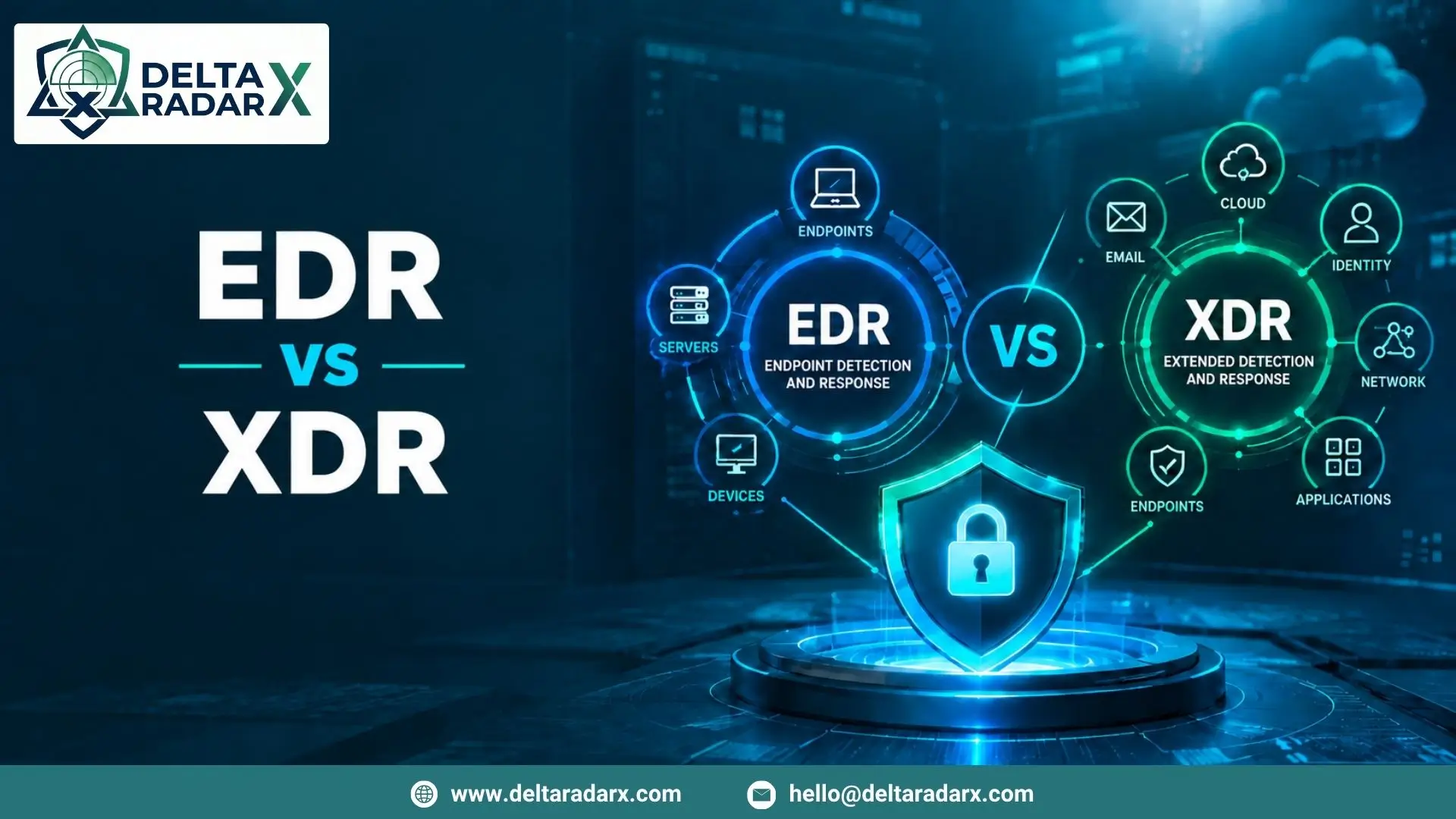
An Endpoint Monitoring Solution can provide visibility into device activity and help security teams identify potential threats across remote endpoints.
Identity Monitoring
Authentication activity can reveal potential account compromise.
Security teams can monitor unusual login locations, repeated failed authentication attempts, impossible travel patterns, privilege changes, and suspicious access to sensitive resources.
Cloud Monitoring
Remote employees often depend heavily on cloud-based applications for communication, collaboration, file sharing, and business operations.
Monitoring cloud activity can help identify suspicious downloads, unusual data access, unauthorized applications, and abnormal user behavior.
Network Monitoring
Network security monitoring can identify suspicious connections, unusual traffic patterns, and communication with potentially malicious infrastructure.
Security Event Correlation
Individual events may not always indicate a threat. However, multiple related events can provide a stronger signal.
For example, a suspicious login followed by an unusual file download and communication with a known malicious IP address could indicate a compromised account.
Role of SIEM in Remote Workforce Security
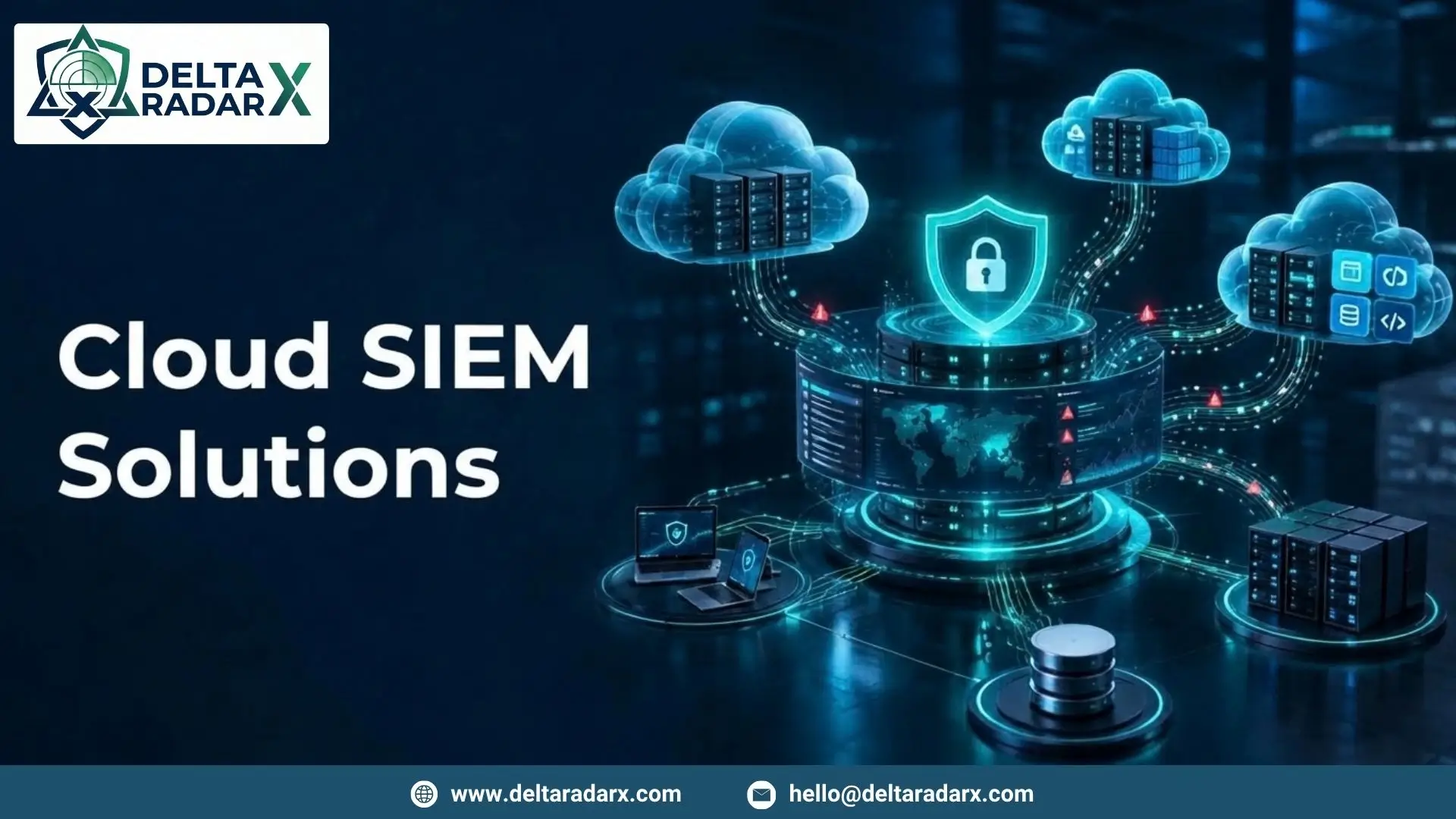
SIEM can play an important role in centralizing security information from remote environments.
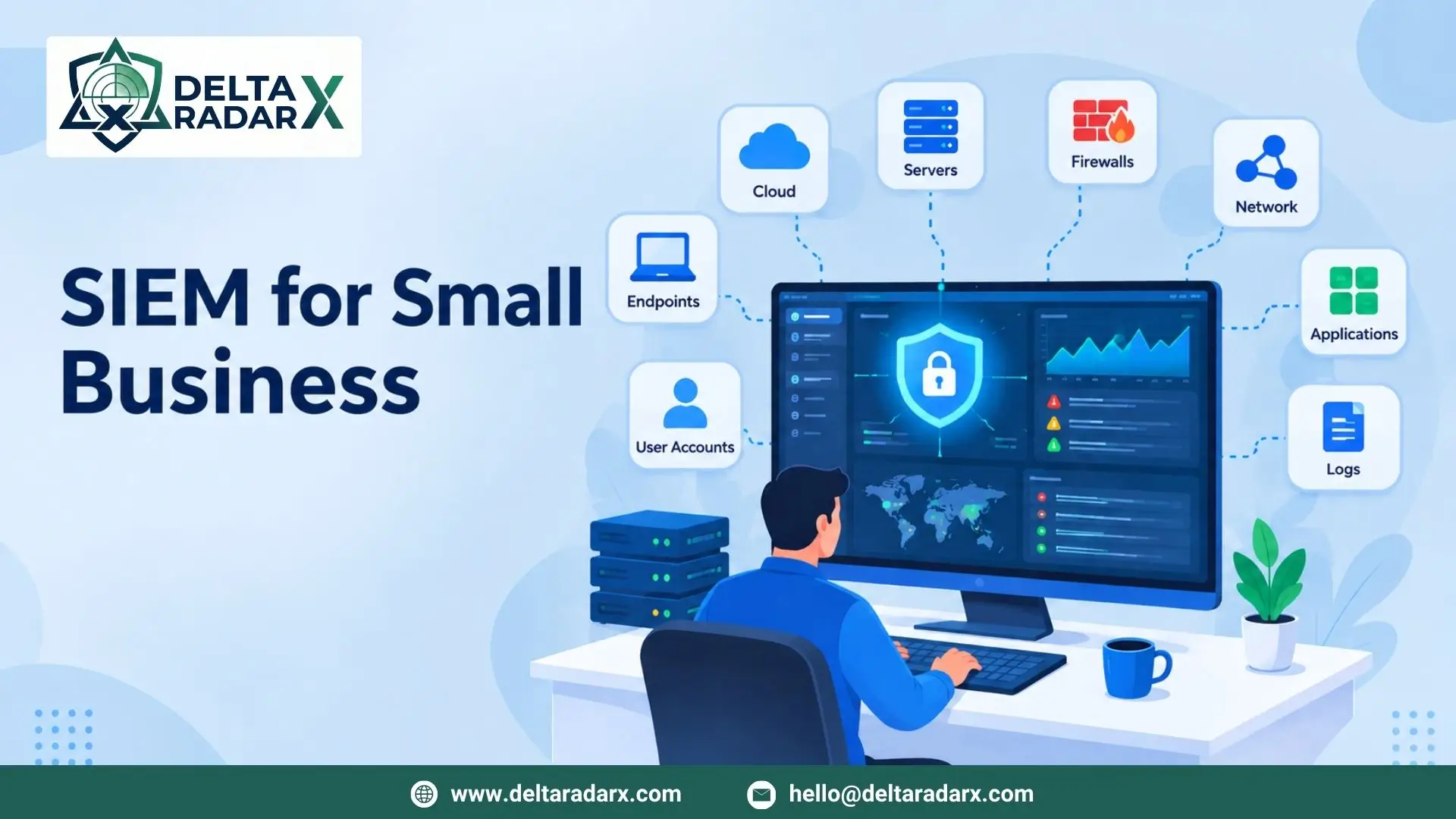
A SIEM platform can collect events from endpoints, authentication systems, cloud applications, firewalls, VPNs, servers, and other security technologies.
Security teams can then correlate this information to identify suspicious patterns across the remote workforce.
Organizations that need additional support managing this environment can use Managed SIEM Services for continuous log monitoring, security event analysis, alert investigation, and threat detection.
Key Components of Remote Workforce Security Monitoring
Multi-Factor Authentication
MFA provides an additional authentication layer beyond passwords. Even if a password is compromised, attackers may have difficulty accessing an account without the additional authentication factor.
Endpoint Security
Remote endpoints should have appropriate security controls for malware detection, behavioral monitoring, vulnerability management, and threat response.
Secure Remote Access
Organizations should use secure methods for remote access to internal applications and resources. Access should be restricted according to user roles and business requirements.
User Activity Monitoring
Monitoring access patterns can help identify unusual behavior without requiring organizations to inspect every employee action.
Security teams should establish clear policies describing what activity is monitored and why.
Threat Intelligence
Threat intelligence can provide context about suspicious IP addresses, domains, file hashes, and other indicators associated with known cyber threats.
Centralized Security Monitoring
Centralized monitoring allows security teams to investigate activity across multiple remote systems without relying on separate security consoles for every device or service.
Best Practices for Remote Workforce Security
Organizations can strengthen their remote security posture by implementing several practical measures.
Use Strong Authentication
Require MFA for remote access, cloud applications, administrative accounts, and other sensitive systems.
Keep Devices Updated
Operating systems, applications, browsers, security tools, and other software should be regularly patched to reduce exposure to known vulnerabilities.
Implement Least-Privilege Access
Employees should only have access to the systems and data required for their responsibilities. Limiting unnecessary permissions can reduce the potential impact of compromised accounts.
Monitor Endpoint Activity
Security teams should continuously monitor remote devices for suspicious processes, malware, unusual file activity, and other indicators of compromise.
Secure Cloud Applications
Organizations should monitor cloud services and configure appropriate access controls, authentication policies, and data protection measures.
Train Remote Employees
Employees should understand phishing, password security, suspicious links, social engineering, and safe remote-working practices.
Regular awareness training can help reduce risks associated with human error.
Maintain Reliable Backups
Important business data should be backed up regularly and protected from unauthorized modification or deletion.
Backups can become particularly important when remote environments are affected by ransomware or other destructive attacks.
How to Respond to Remote Workforce Security Incidents
When suspicious activity is detected, organizations should follow an established incident response process.
The first step may involve identifying the affected user, device, application, or account. Security teams can then determine whether the activity represents a genuine threat.
Depending on the incident, response actions may include:
- Isolating a compromised endpoint
- Disabling a compromised account
- Resetting credentials
- Blocking malicious IP addresses
- Removing malicious files
- Collecting forensic information
- Reviewing related security events
For predictable incidents, predefined workflows can accelerate response. Automated Incident Response can help security teams perform approved containment and investigation tasks while maintaining human oversight for complex incidents.
Remote Workforce Security and Compliance
Organizations may have regulatory or contractual requirements for protecting sensitive information and monitoring security activity.
Remote workforce security controls can support compliance by providing visibility into authentication, endpoint activity, access to sensitive resources, and security incidents.
However, monitoring should always be implemented according to applicable privacy requirements and clearly defined organizational policies.
Building a Strong Remote Workforce Security Strategy
A successful remote security strategy should combine technology, processes, and employee awareness.
Organizations should establish clear security policies, deploy appropriate endpoint protection, enforce strong authentication, monitor cloud and identity activity, centralize important security events, and regularly review detection and response processes.
Security teams should also evaluate their monitoring strategy as the remote workforce changes. New cloud applications, devices, locations, and access methods can introduce new risks that require additional security controls.
Remote Workforce Security Monitoring at DeltaRadarX
DeltaRadarX supports organizations with a broader security monitoring approach that includes 24/7 SOC operations, real-time SIEM and log monitoring, Managed Detection and Response (MDR), incident handling, threat intelligence, SOAR automation, EDR, and network and firewall monitoring.
This approach helps organizations monitor security activity across endpoints, networks, cloud environments, and other infrastructure while giving security teams greater visibility into potential threats.
Additional capabilities such as vulnerability assessments, compliance reporting, and co-managed SOC support can further strengthen remote and hybrid workforce security.
Final Considerations
Remote Workforce Security Monitoring has become an important part of modern cybersecurity as employees increasingly work outside traditional corporate environments.
Organizations need visibility across remote endpoints, identities, cloud applications, networks, and security events to identify suspicious activity effectively. Combining endpoint monitoring, MFA, secure remote access, SIEM, threat intelligence, employee awareness, and incident response can create a stronger defense against evolving cyber threats.
The goal should be continuous security visibility without unnecessary complexity. With the right combination of monitoring technologies, security policies, and trained professionals, organizations can support remote productivity while maintaining a strong security posture.