Ransomware can turn a small security incident into a major business disruption. An attacker may first steal credentials, move between systems, or disable security controls. Later, they may encrypt files or steal sensitive data.
Because of this, ransomware detection should not start only when files become inaccessible.
Modern detection focuses on the activity that happens before and during encryption. This gives security teams a better chance to contain an attack before it spreads. Microsoft notes that human-operated ransomware often involves reconnaissance, credential theft, lateral movement, persistence, and other pre-ransom activity.
Why Early Ransomware Detection Matters
Ransomware attacks can move quickly across connected systems.
If detection happens only after widespread encryption, the response may already involve significant downtime.
Early detection gives security teams more options. They may be able to isolate an affected endpoint, disable a compromised account, or block suspicious activity before the attacker reaches more systems.
This is especially important for human-operated ransomware. In these attacks, criminals can actively explore a network before deploying ransomware.
How to Detect Ransomware
The most effective approach combines several signals instead of relying on one warning.
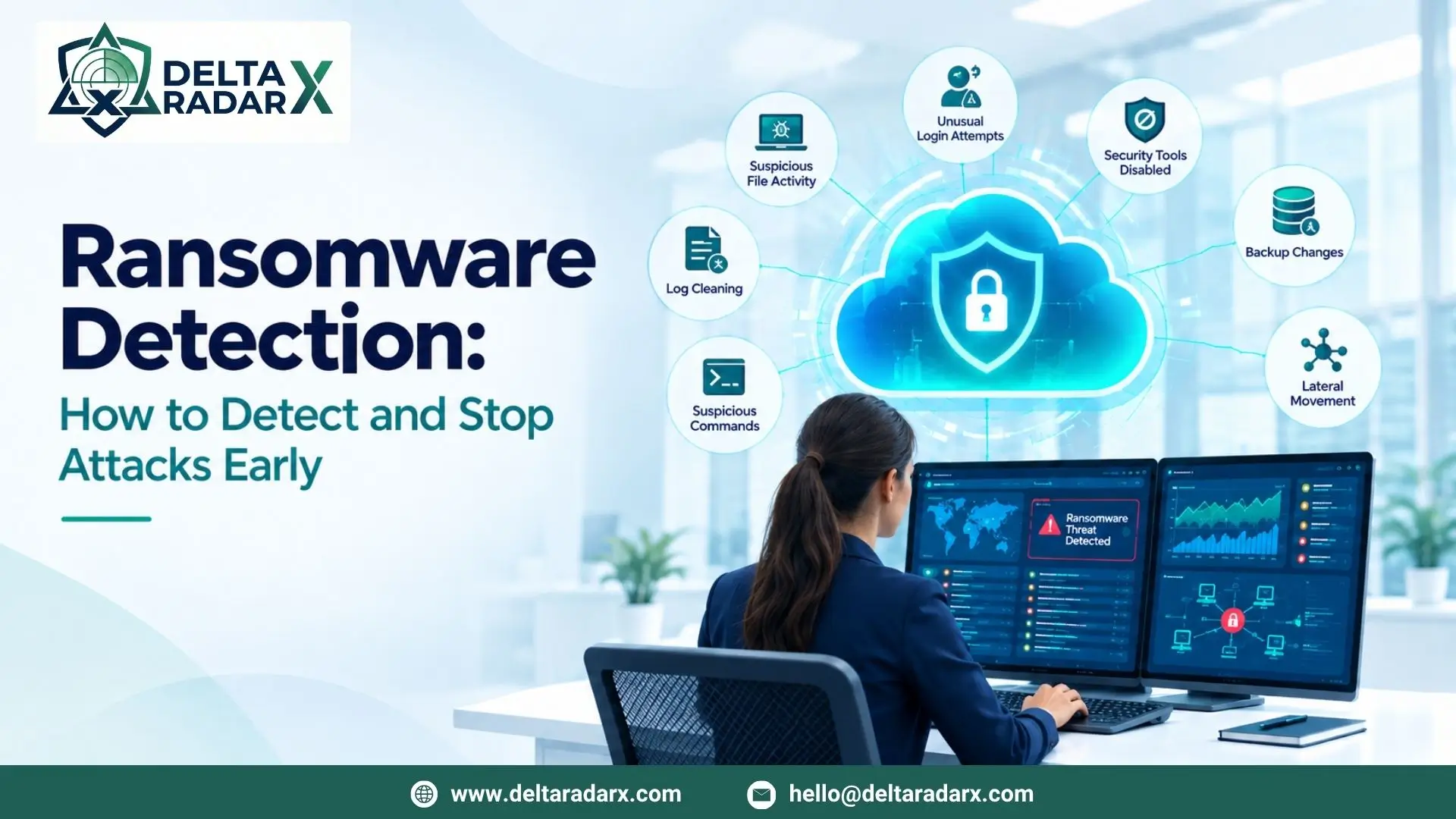
1. Watch for Unusual File Activity
A sudden increase in file changes can be an important warning sign.
Ransomware may rapidly modify or encrypt large numbers of files. Endpoint security tools can monitor file and process activity in real time.
Behavior-based detection is useful because it can identify suspicious activity even when a threat does not match a known malware signature.
Security teams should pay particular attention to:
- Large numbers of file modifications
- Unusual file extensions
- Rapid changes across multiple folders
- Unexpected processes accessing many files
- Encryption activity on shared drives
However, file changes alone do not always confirm ransomware. Legitimate applications can also modify many files.
That is why additional signals are important.
2. Look for Attempts to Disable Security Tools
Attackers may try to weaken security controls before launching ransomware.
This can include stopping security services or disabling processes that could interfere with encryption.
Microsoft identifies process termination, service changes, and attempts to disable security tools as common indicators that can appear during ransomware activity.
For example, security teams can investigate unusual attempts to:
- Stop security services
- Disable endpoint protection
- Change security configurations
- Stop backup services
- Modify system recovery settings
These actions can be legitimate in some environments.
Therefore, analysts should consider who performed the action, which device was involved, and what happened afterward.
3. Monitor Backup and Recovery Changes
Attackers may target backups because they can help organizations recover after encryption.
Suspicious activity can include deleting shadow copies, stopping backup services, or modifying backup schedules.
Microsoft specifically identifies deletion of shadow copies and backups as behaviors that can occur during ransomware attacks.
A monitoring system should therefore alert on unusual changes to backup and recovery mechanisms.
This can provide an important warning before widespread encryption occurs.
4. Detect Suspicious Credential Activity
Ransomware does not always begin with encryption.
Attackers may first compromise an account and use it to gain access to additional systems.
Security teams should monitor for:
- Repeated failed logins
- Multiple login attempts across devices
- Unusual sign-in locations
- New privileged accounts
- Unexpected privilege changes
- Suspicious remote access
A sudden change from normal user behavior can be especially important.
Microsoft recommends looking for unusual spikes in authentication activity and newly created accounts when investigating human-operated ransomware.
5. Monitor Lateral Movement
After gaining access to one system, attackers may attempt to move through the network.
This can help them reach servers, shared drives, backups, and other high-value systems.
Network monitoring and EDR can help identify unusual connections between devices.
For example, a workstation that normally communicates with a small number of servers may suddenly connect to many internal systems.
That change deserves investigation.
Australian Cyber Security guidance also recommends using network monitoring and EDR to detect abnormal activity and lateral movement associated with ransomware.
6. Watch for Log Clearing
Attackers may try to remove evidence of their activity.
Clearing security logs can make investigations more difficult.
Microsoft lists clearing event logs among the behaviors that can appear during ransomware activity.
Security teams should therefore monitor unusual attempts to:
- Clear event logs
- Delete security records
- Modify logging settings
- Disable auditing
A log-clearing event becomes more concerning when it appears alongside other suspicious behavior.
7. Monitor Suspicious System Commands
Ransomware operators may use legitimate system utilities to prepare systems for an attack.
Microsoft has identified activity involving tools used to stop processes, disable services, delete recovery data, and modify boot settings.
Security teams should not automatically treat every use of these tools as malicious.
Instead, they should look for combinations of behaviors.
For example:
Process termination + backup deletion + security service changes
is more concerning than one routine administrative command.
This is why behavior correlation is important.
Ransomware Detection Needs Multiple Signals
One of the biggest mistakes in ransomware monitoring is relying on a single indicator.
A file change does not always mean ransomware.
A failed login does not always mean an attack.
A PowerShell command does not automatically indicate malicious activity.
However, several suspicious events occurring close together can provide a much stronger signal.
For example:
Unusual login → privilege change → lateral movement → security tool disabled → backup deletion → mass file modification
This type of sequence should receive urgent attention.
Modern detection approaches can combine multiple indicators and prioritize devices showing several ransomware-related behaviors. Microsoft provides examples of consolidated detection that weighs multiple signs instead of treating each event separately.
The Role of EDR in Ransomware Detection
Endpoint Detection and Response (EDR) is an important technology for ransomware monitoring.
EDR can collect detailed information about endpoint activity.
This can include:
- Processes
- Files
- Services
- Network connections
- User activity
- Security events
Behavior-based monitoring can then identify suspicious activity.
For example, an endpoint that suddenly starts modifying large numbers of files while also attempting to stop security services may require immediate investigation.
EDR can also help analysts trace activity back to the process or account that started it.
The Role of SIEM in Ransomware Detection
A SIEM can bring security events from different systems into one place.
This is useful because ransomware attacks often involve multiple parts of an environment.
A SIEM can collect data from:
- EDR
- Firewalls
- Servers
- Identity systems
- Cloud platforms
- Applications
- Network devices
Analysts can then correlate these events.
For example, a suspicious login can be connected with endpoint activity and unusual network connections.
This creates a broader timeline of the attack.
SIEM integration can therefore improve ransomware visibility by connecting security data that would otherwise remain in separate tools.
Can Antivirus Detect Ransomware?
Yes, antivirus and endpoint protection can detect and block many ransomware threats.
However, relying on traditional signatures alone is not enough.
Modern ransomware can change its files and techniques. Human-operated attacks can also involve legitimate tools and stolen credentials.
For this reason, organizations should combine malware protection with behavior monitoring, EDR, SIEM, identity monitoring, and network visibility.
Microsoft’s behavior monitoring capabilities, for example, use process, file, and service activity to identify suspicious behavior beyond traditional malware signatures.
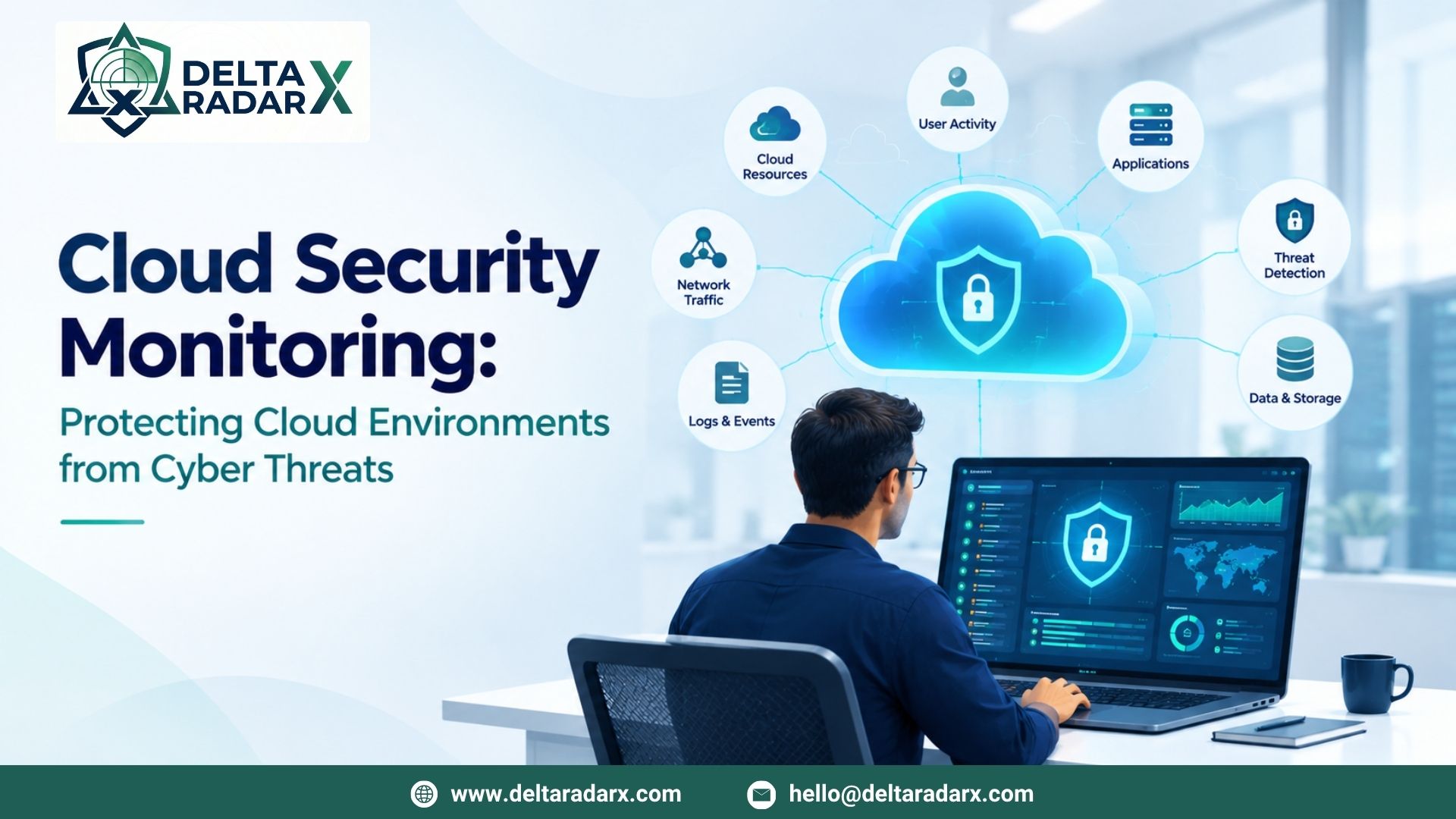
Ransomware Detection in Cloud Environments
Cloud environments also require ransomware monitoring.
Attackers may compromise cloud accounts or use stolen credentials to access cloud resources.
Security teams should monitor:
- Cloud authentication
- Privilege changes
- API activity
- Data access
- Unusual downloads
- Configuration changes
- Suspicious user behavior
Behavior analytics can help identify unusual activity that may indicate a compromised account or potential data theft.
Cloud monitoring should also cover connected endpoints because an attack can move between cloud accounts and local systems.
What to Do When Ransomware Is Detected
Detection should trigger a clear response process.
First, identify the affected systems and isolate them from the network where appropriate.
CISA recommends immediately isolating impacted systems during a ransomware incident. If multiple systems or network segments are affected, broader network isolation may be necessary.
Next, preserve useful evidence where possible.
Security teams should then determine:
- Which systems are affected
- Which accounts may be compromised
- How the attacker gained access
- Whether lateral movement occurred
- Whether data was stolen
- Whether backups were affected
After containment, teams can begin eradication and recovery.
Do not assume that restoring encrypted files alone has removed the attacker. The underlying compromise should also be investigated.
Ransomware Detection and Response Services
Organizations without a large internal security team may use managed security services for continuous monitoring.
A managed service can combine endpoint monitoring, SIEM, network monitoring, threat intelligence, and security operations.
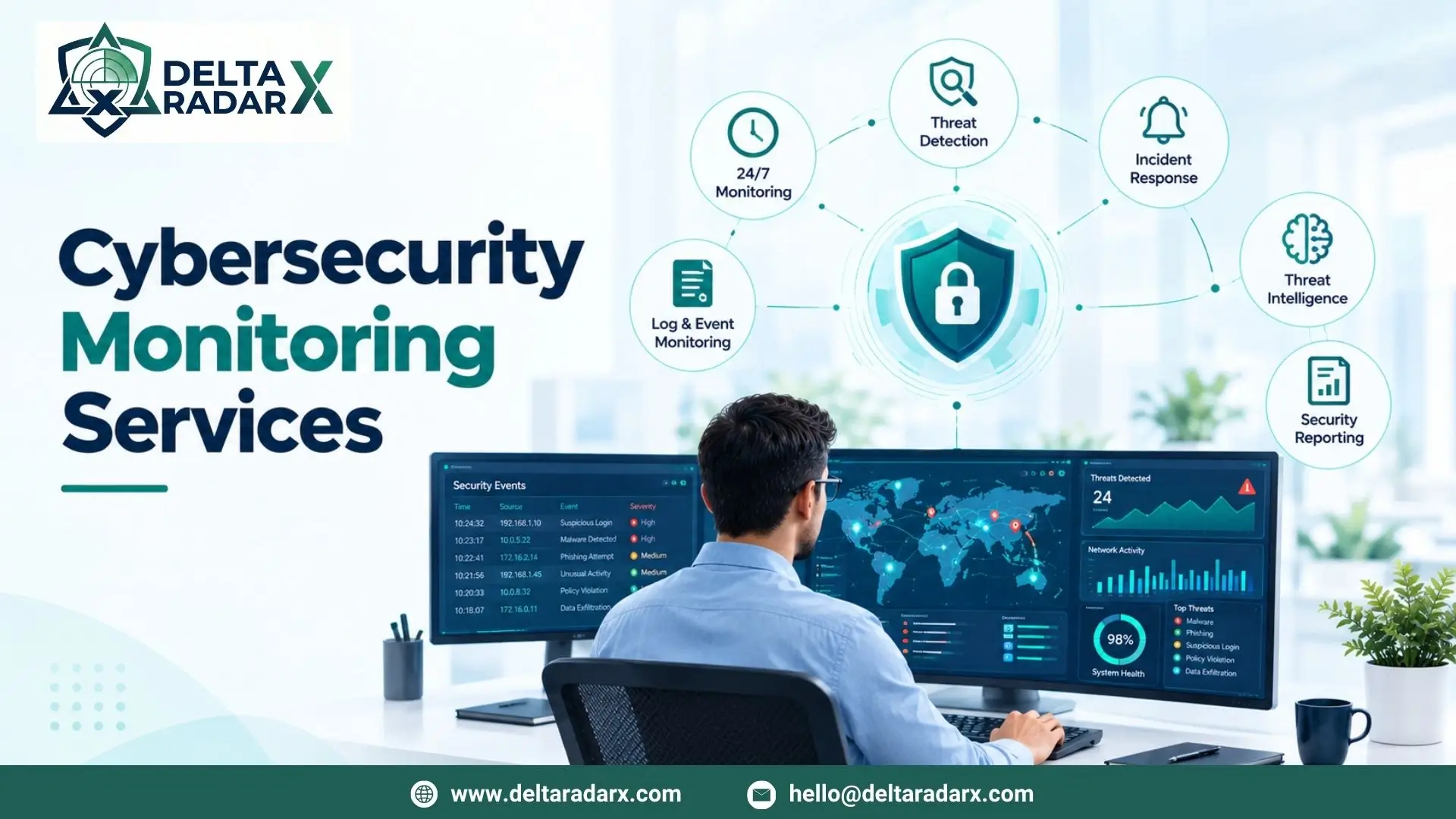
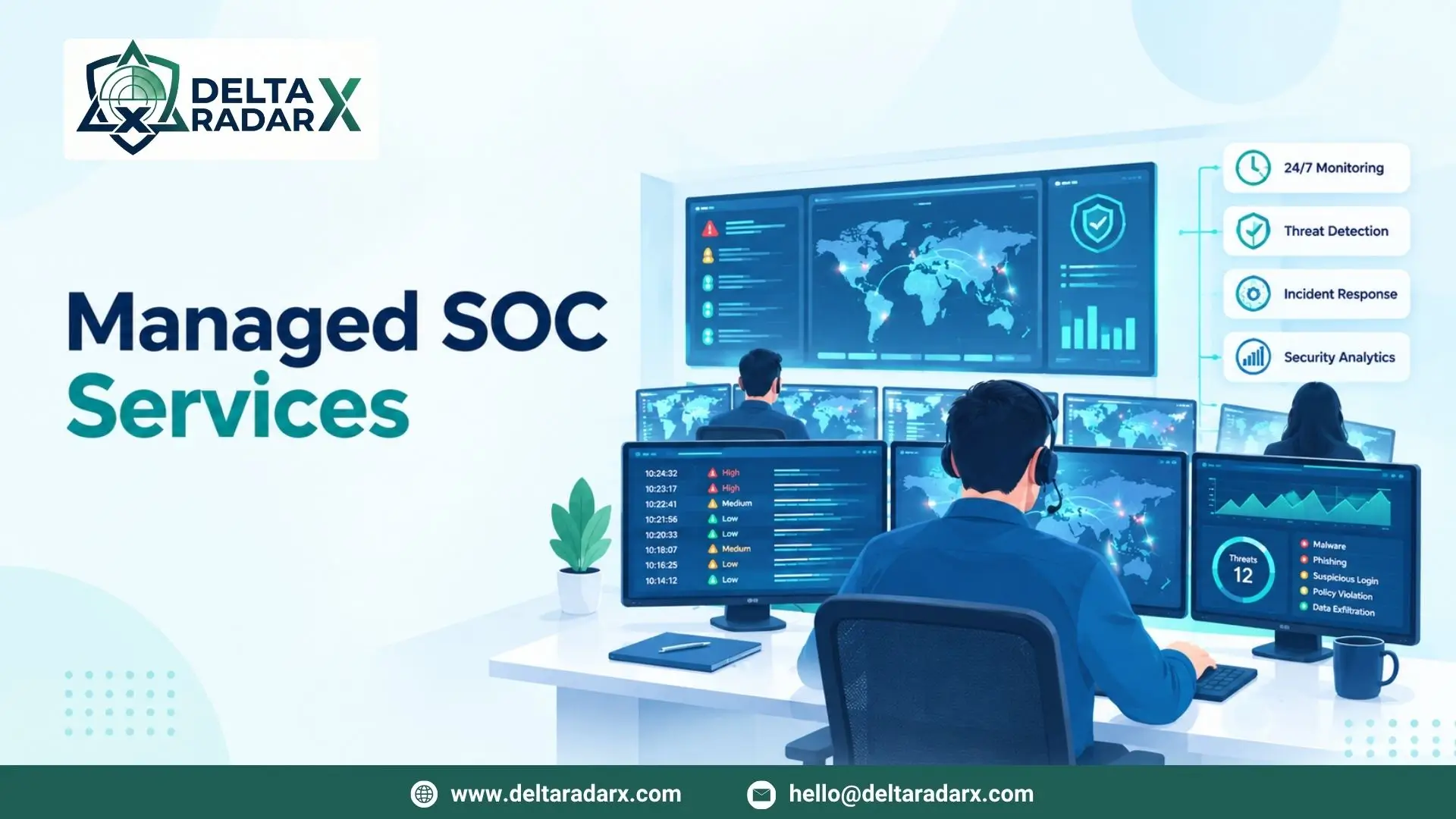
For example, DeltaRadarX provides 24/7 SOC monitoring, real-time SIEM and log monitoring, Managed Detection and Response (MDR), EDR, incident handling, SOAR automation, firewall and network monitoring, vulnerability and asset exposure auditing, and compliance reporting.
These capabilities can support different stages of ransomware detection.
EDR can monitor endpoint behavior. SIEM can correlate events from multiple systems. SOC analysts can investigate suspicious activity and support incident response.
For businesses that need ongoing protection, managed detection and response services can provide additional monitoring and investigation support.
How to Improve Ransomware Detection
Effective ransomware detection is not based on one security product.
Businesses should build multiple layers of visibility.
Keep Systems Updated
Unpatched systems can provide attackers with opportunities to gain access.
CISA recommends keeping operating systems and software updated as part of ransomware protection.
Use Least Privilege
Users should have only the access they need.
This can limit what an attacker can reach after compromising an account.
Monitor Backups
Backups should be protected from unauthorized modification.
They should also be tested regularly to confirm that recovery works.
Australian Cyber Security guidance recommends regular backup and restoration testing.
Segment the Network
Network segmentation can limit lateral movement.
It can make it harder for an attacker to move from one compromised system to critical systems.
Monitor Identity Activity
Authentication and privilege changes can provide early warning signs.
Monitor unusual sign-ins and unexpected account changes.
Use Behavioral Detection
Do not rely only on known malware signatures.
Behavior-based detection can identify suspicious activity based on what a process or user is doing.
Test the Response Plan
Detection is only useful when the organization knows what to do next.
Regular exercises can help teams test isolation, communication, investigation, and recovery procedures.
Final Thoughts
Ransomware detection has changed significantly.
Organizations should not wait for files to become encrypted before looking for signs of an attack.
Modern detection focuses on the entire attack chain.
This includes suspicious logins, privilege changes, lateral movement, security tool tampering, backup deletion, log clearing, and unusual file activity.
EDR, SIEM, network monitoring, identity monitoring, and behavioral analytics can work together to provide stronger visibility.
Most importantly, organizations should investigate combinations of suspicious behavior rather than relying on a single alert.
Early detection can give security teams more time to contain an attack and protect critical systems.